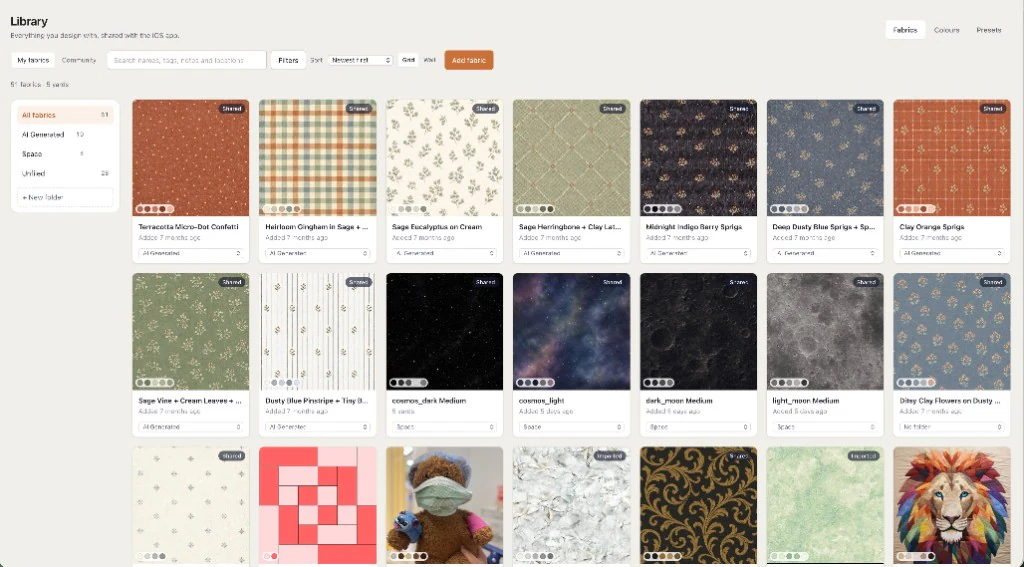
Your own cloth
Audition the fabric you actually own
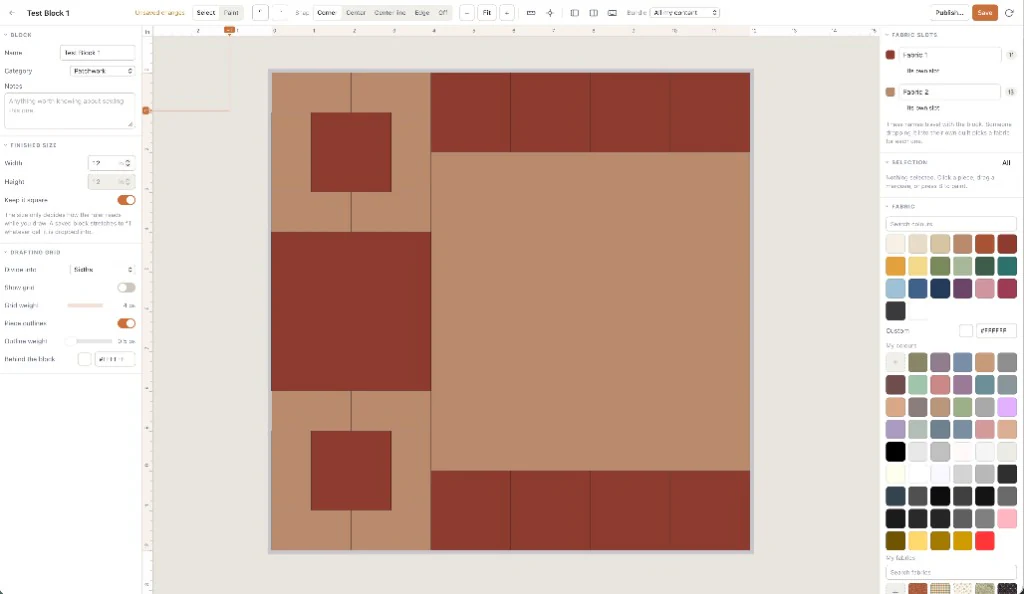
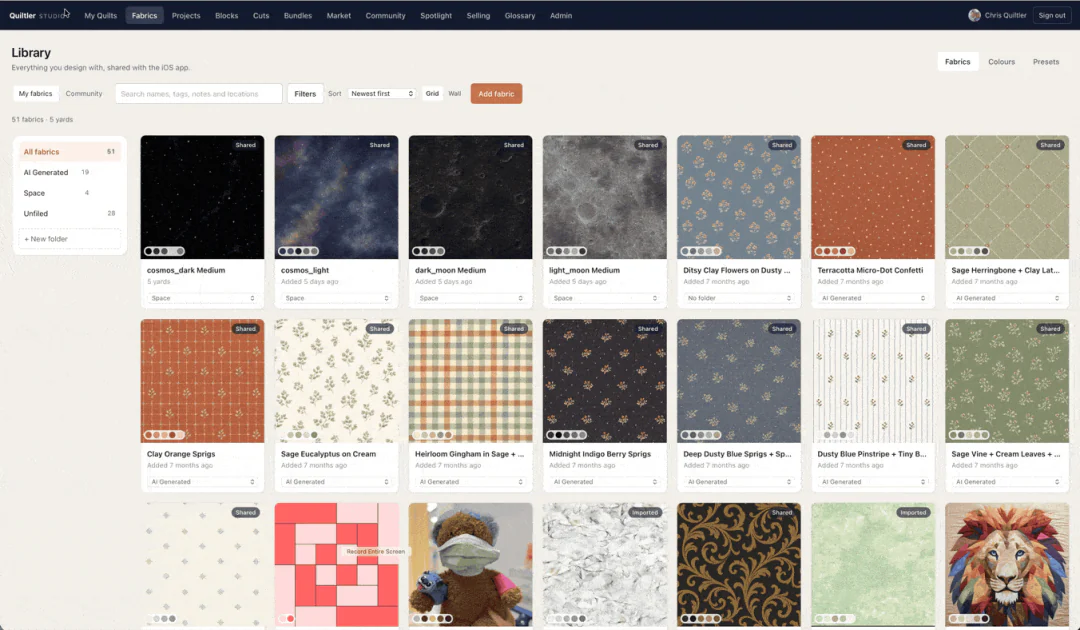
Photograph a print on your phone and it is on the quilt at its real scale, next to the solids and the blocks. Keep ten photos free; a whole stash with a plan.
How to design a quilt →Plan a quilt with your own fabrics, in your browser. A companion app for iPhone and iPad keeps the same quilts with you.
Choose a pattern in three quick steps, then start designing free. No account or card required to try. Free keeps one saved quilt and ten fabric photos; yardage, cutting and the pattern pack come with Quilter or a $4.99 unlock of that layout. Get the companion app Browse the marketplace
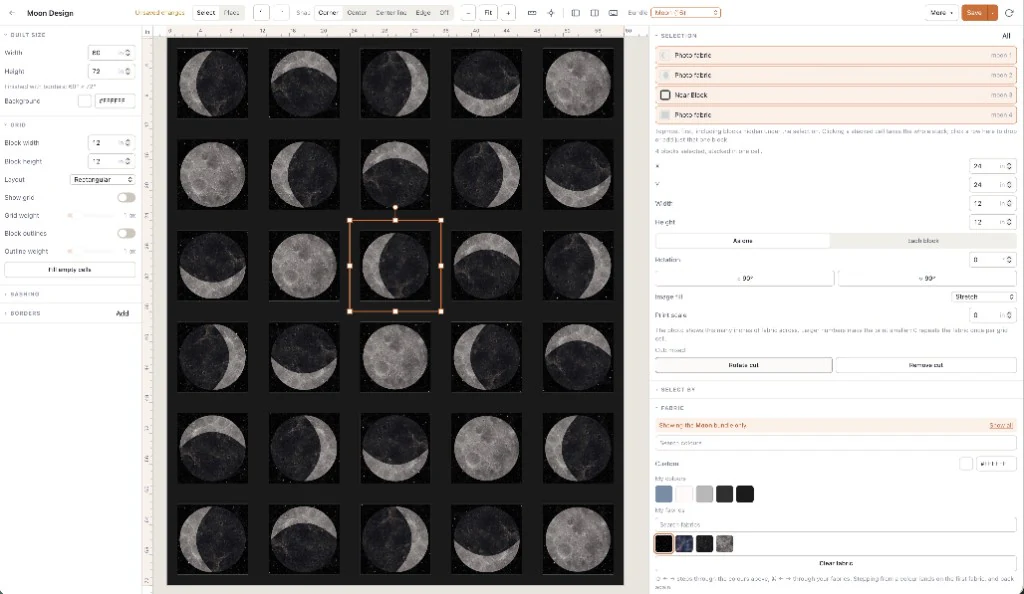

In the studio
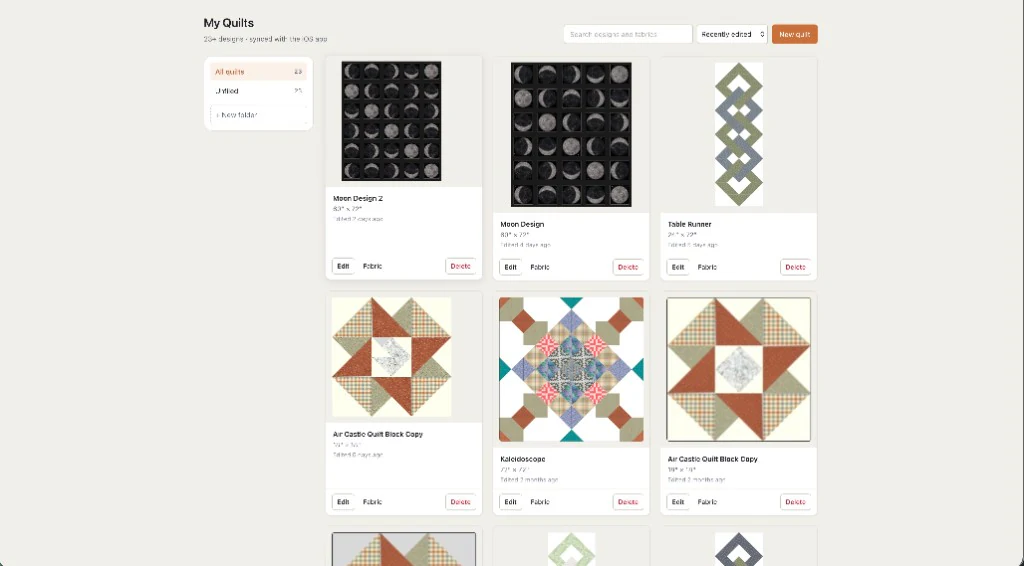
Quilters design, save and share quilts in Quiltler every day. See what they are making →
See it work
Real sessions in the browser studio, recorded on a Mac. Pick one.
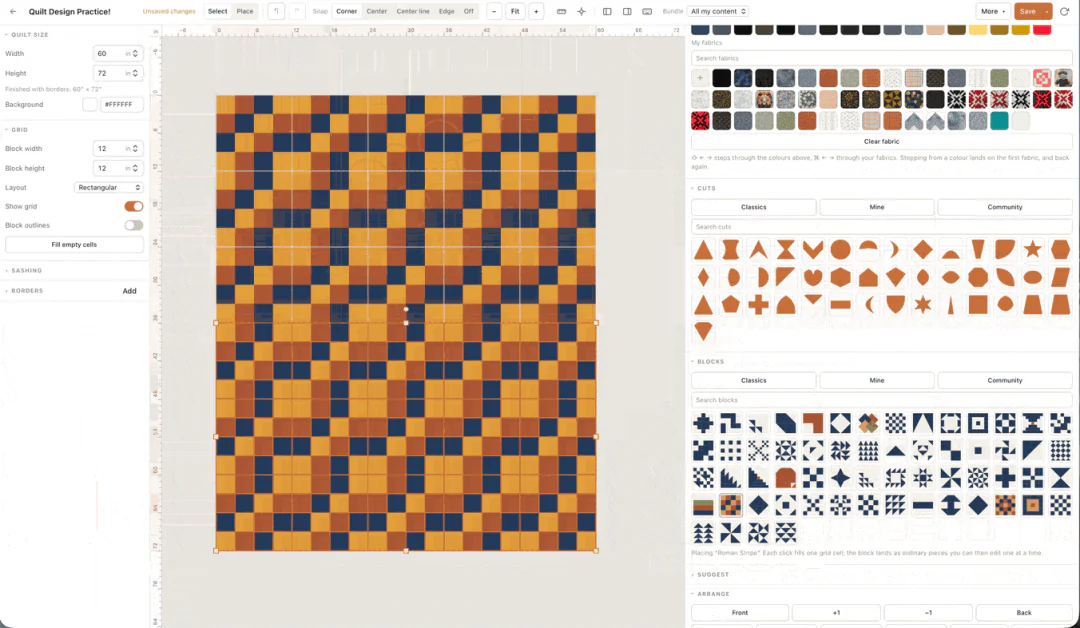
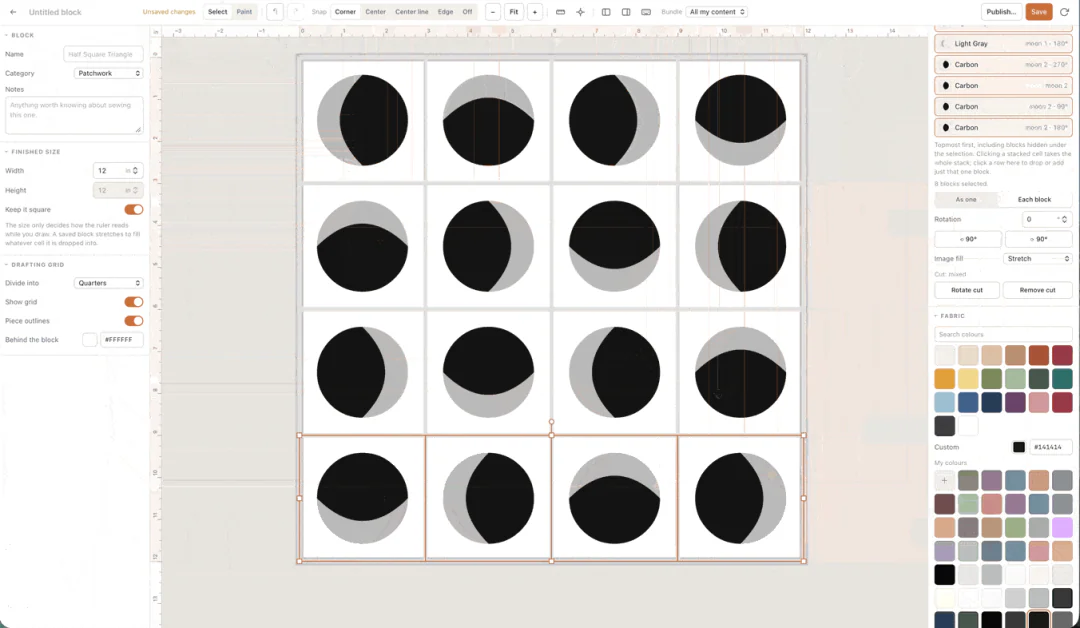
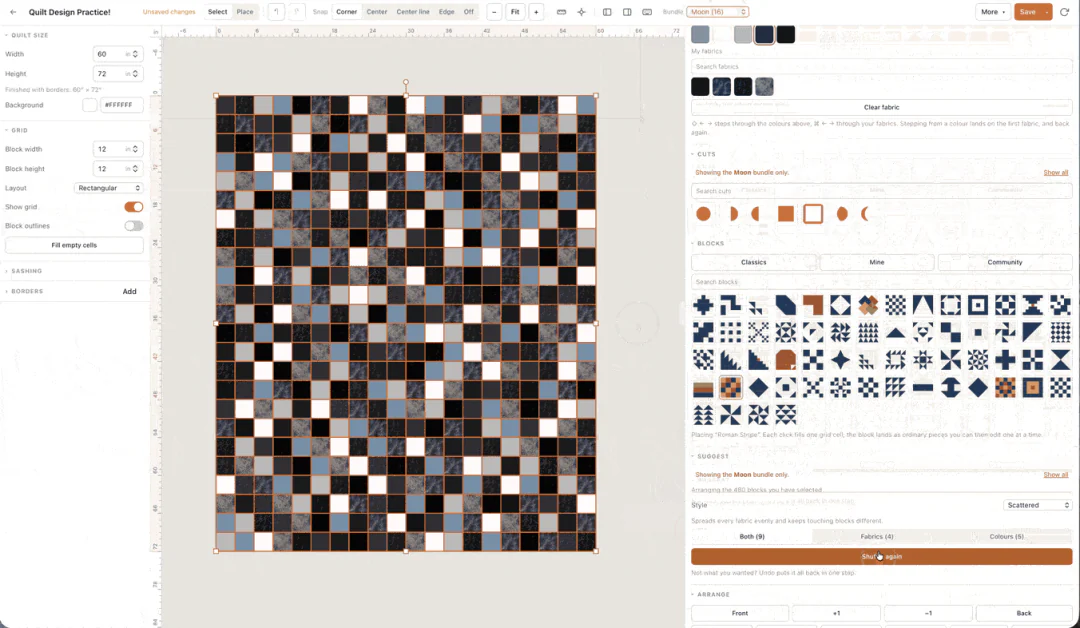
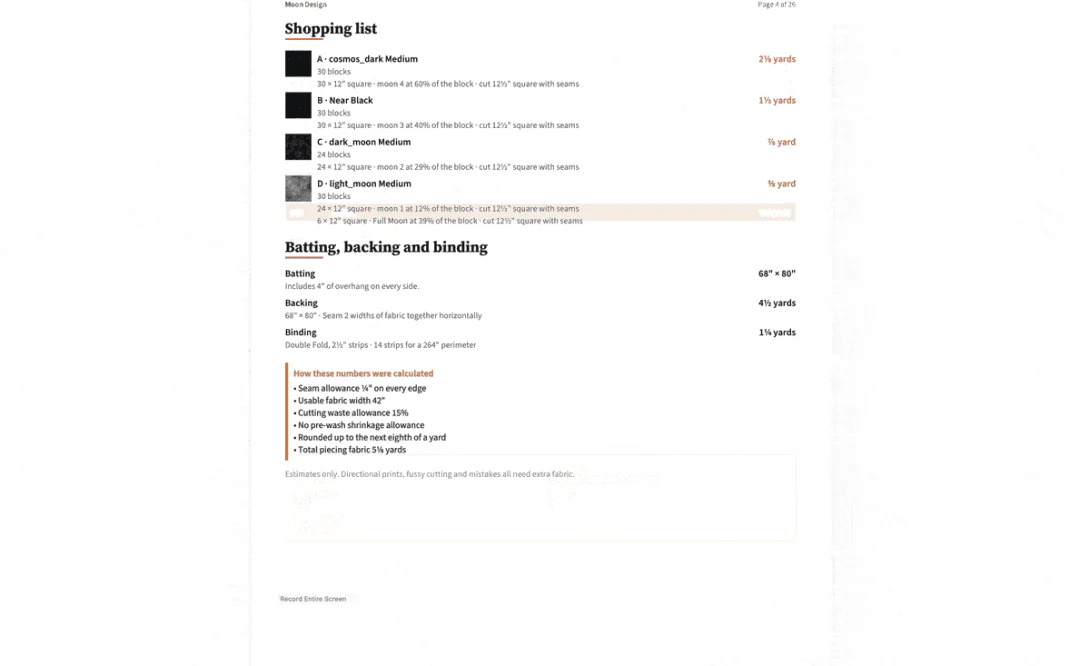
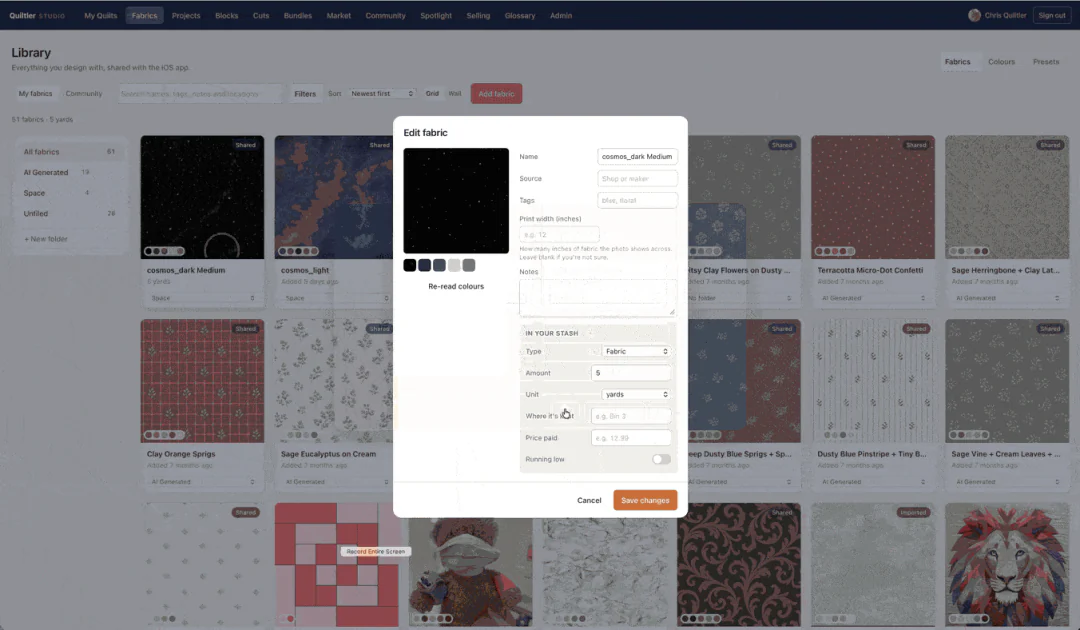
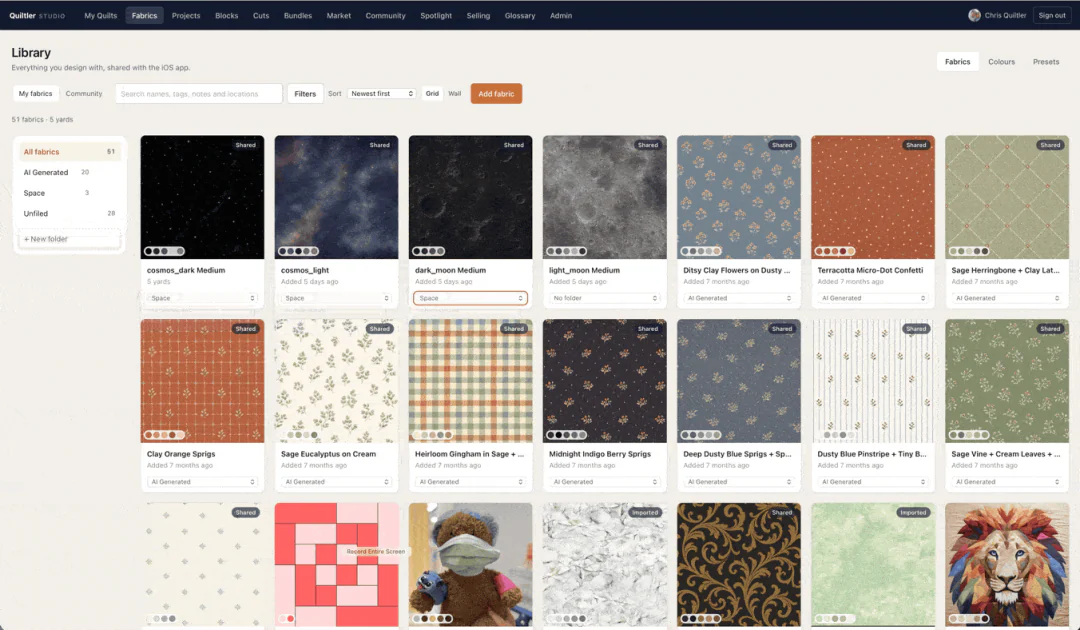
Opens in your browser — no account, no download, no card needed.
Why quilters use it
Your own cloth
Photograph a print on your phone and it is on the quilt at its real scale, next to the solids and the blocks. Keep ten photos free; a whole stash with a plan.
How to design a quilt →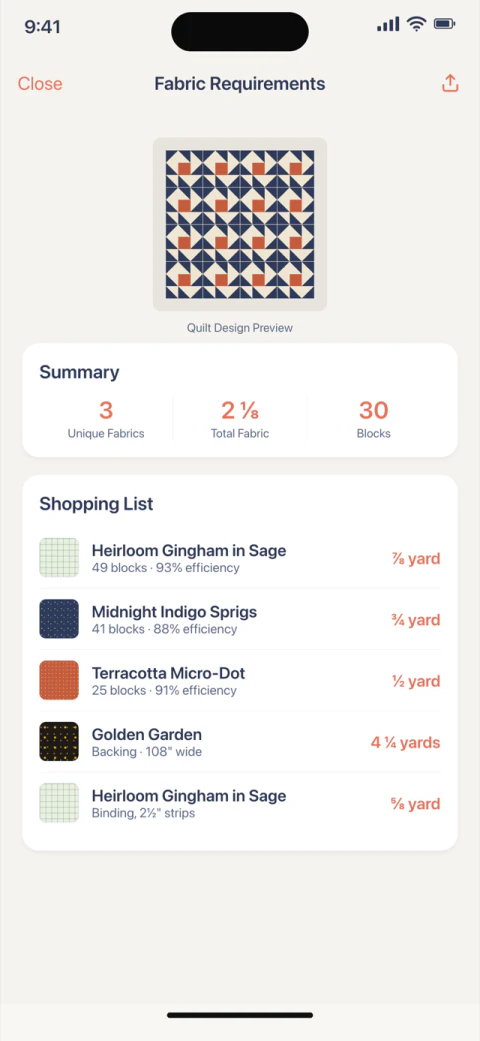
A plan you can cut
Quiltler works out what each fabric needs from the design itself, then prints the cutting chart and true-scale templates. With Quilter, or $4.99 for one layout.
How the calculations work →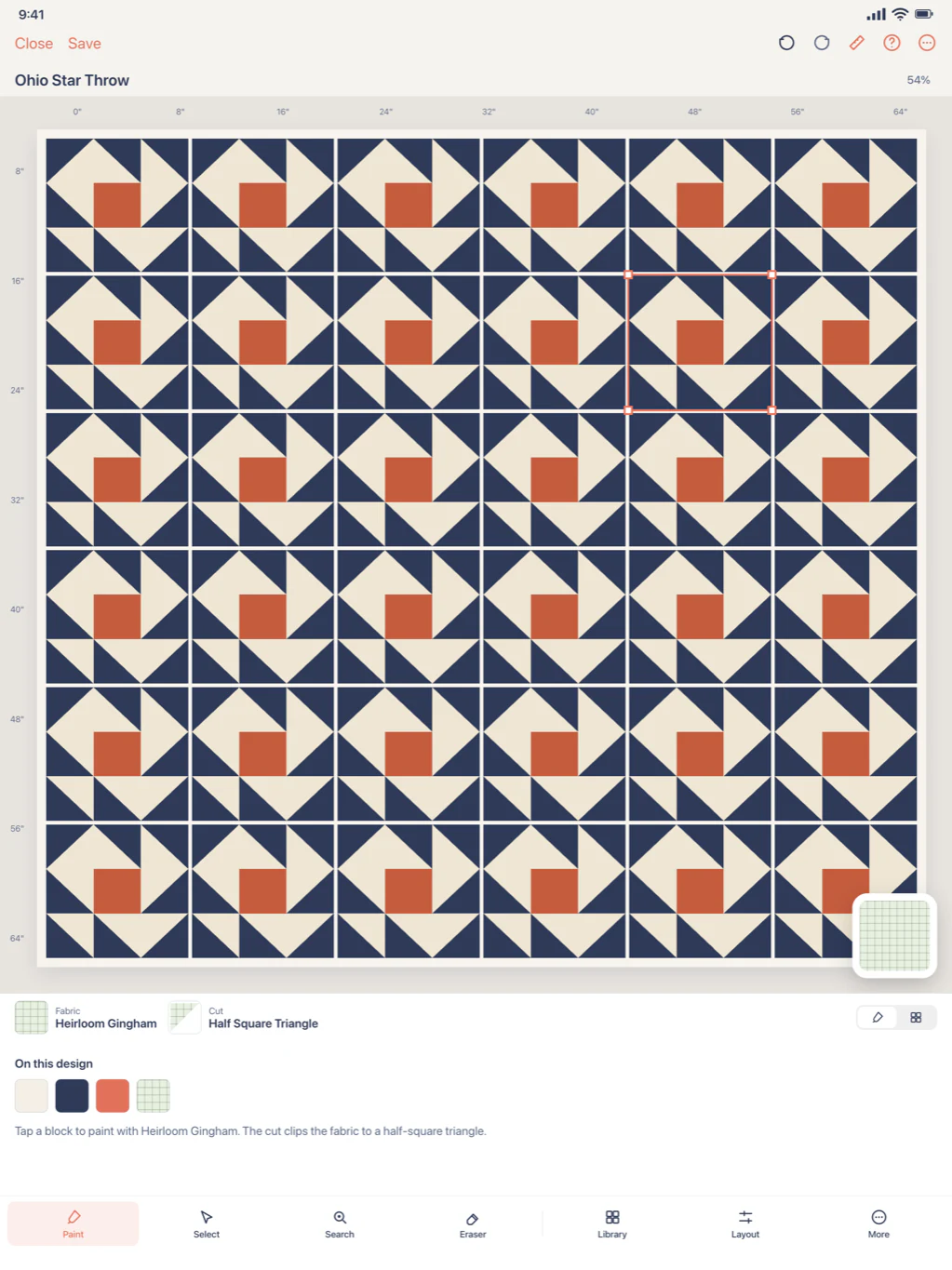
Desk, sofa, shop aisle
Design at the desk with a mouse, carry on with Apple Pencil on iPad, and check the stash on iPhone in the fabric shop. A subscription syncs it all.
The companion app →From the App Store
Five-star reviews of the iPhone and iPad app, unedited.
Five stars
Best app to create amazing quilts
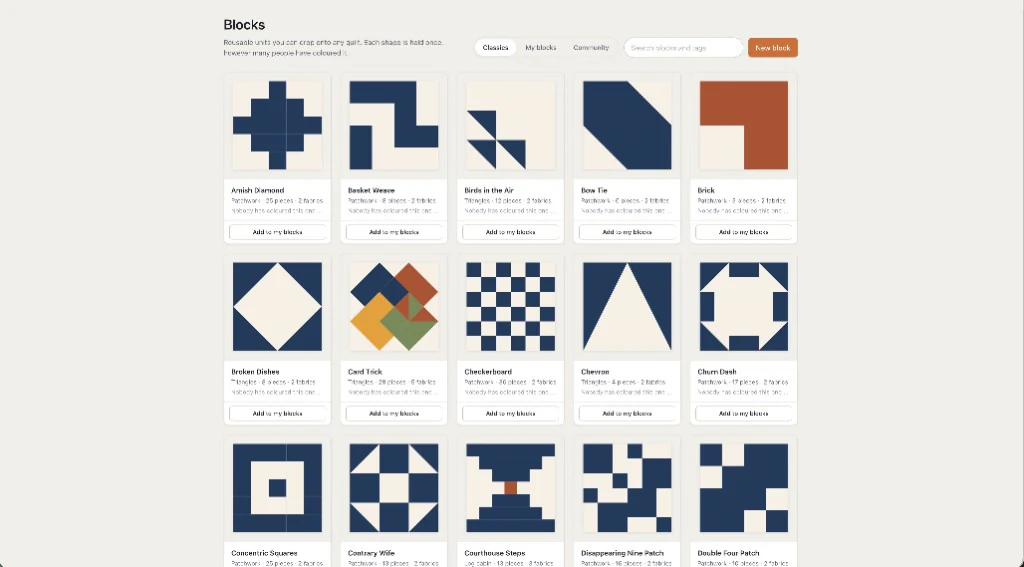
Wow! This app is truly amazing but the developer even more so. I had a query as I wanted to create a bento box block, had only watched videos but hadn’t started actually using the app, wasn’t sure where to start so I sent Chris a message (I’m in Australia so different time zone), he responded quickly and within minutes created the block template for me, published it and even created a video tutorial. If this isn’t amazing service then I don’t know what is.
I’ve only had the app for a few hours but can see I will be spending a lot of time creating beautiful quilt designs. It’s worth the price, the service is amazing, you won’t regret it.
Five stars
Love
Love the app for plotting and planning my quilts. Especially when I buy a pattern but use my own fabrics so I want to see how it’s going to look.
Five stars
So helpful for quilt planning!
This app is seriously awesome. Quilter 3 makes designing quilts and figuring out fabric yardage so much easier. I love being able to see my quilt layout with real fabric patterns and know exactly how much fabric I need before I start cutting. The fabric calculator is super accurate and saves me from overbuying (or worse… running out). I use this every time I plan a new project.
Five stars
Came from Quiltler 2
A tremendous amount of new features, love the attention to detail when laying out the designs. Well worth it!
Pricing
Prices in US dollars. App Store prices follow your local storefront.
$0
For trying ideas and your first quilt.
$4.99 once
For one quilt you have designed and want to make.
Most quilters
$7.99 a month
or $49.99 a year
$99 a year
For quilters who sell what they design.
Any paid plan can sell patterns once Stripe payouts are set up. The standalone quilting calculators are free for everyone. Full terms: Terms of Service.
Designing is free in the browser, with no account and no card. A free account keeps one saved quilt and ten fabric photos, and solid colours are unlimited. Open the designer and try it on a real quilt.
The figures worked out from a design you made: the fabric total, yardage per fabric, backing, binding, the cutting chart and the printable pattern pack. They come with Quilter ($7.99 a month or $49.99 a year) or a $4.99 unlock of one layout. The finished size you set is always shown, and the standalone quilting calculators are free.
No. The full studio runs in a current browser on a Mac or PC. The iPhone and iPad companion app is optional and syncs the same quilts when you subscribe.
Yes. Photograph a print on your phone and it goes on the quilt at its real scale. Without an account you design with built-in fabrics and solids; a free account keeps ten fabric photos, and a plan keeps a whole stash.
Any paid plan can sell in the marketplace once Stripe payouts are set up, for a 10% fee. Designer ($99 a year) lowers the fee to 5% and adds listing statistics and your own imprint on the pattern pack. How selling works.
A friend you invite gets three months free on a monthly plan, or 25% off a yearly one. When they subscribe on the web you earn 25% of what they pay, in cash; when they subscribe in the App Store you get three free months. Referral program.
Chris, who has been building quilt design software since January 2014, and answers support himself. Meet the developer or write to him.
Tutorials
Every quilt and block with a tutorial video, in one place.
Browse the full video catalog or watch on YouTube.
Your next quilt
Choose a pattern in three quick steps, then start designing free. No account or card required to try. Make an account when you want to keep it, and it follows you to iPhone and iPad.