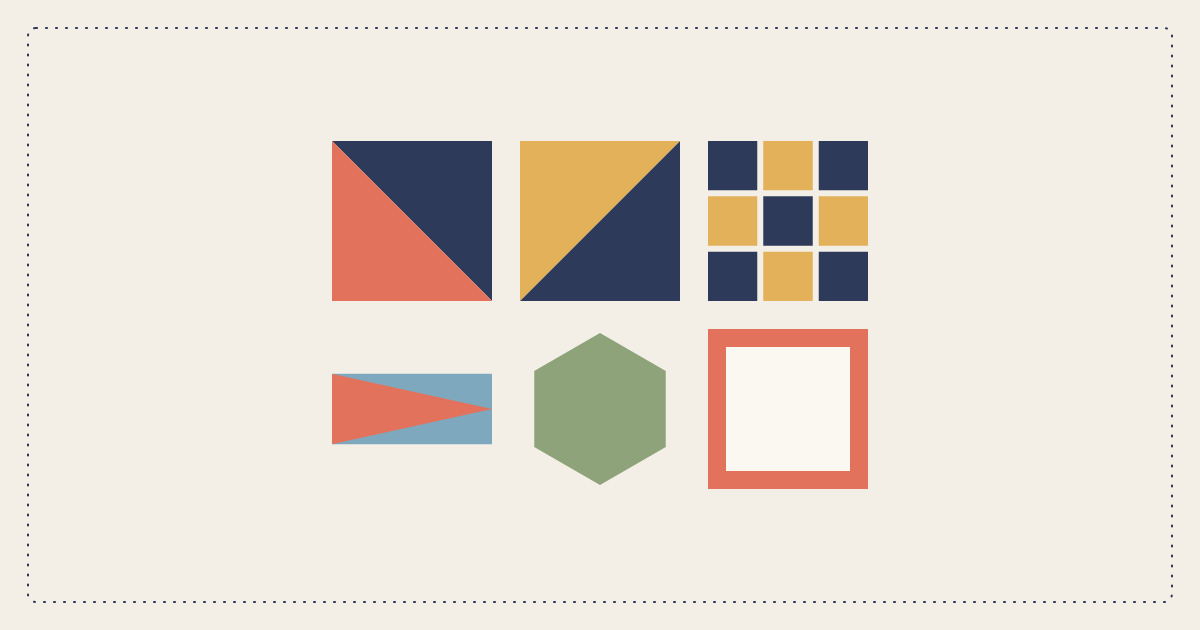
These are the calculators on the studio list. Each page below opens that calculator and explains the math.
Yardage from a design A pieced top is not a rectangle. The fabric calculator counts the pieces in a quilt you draw, then adds binding, backing, and batting.Finishing
The edge, the back, the batting, the sleeve, and the thread that quilts it.
BindingStrips and yardage for a double-fold edge.
Bias bindingThe square you cut for a continuous bias strip.
BackingPanels, seams, and yardage for the back.
Diagonal backingJohn Flynn's seam, when it actually saves fabric.
BattingThe package that actually fits the quilt.
Hanging sleeveThe strip for a rod pocket on the back.
Quilting threadSpools and bobbins for the quilting, not the piecing.
Piecing
Cut sizes for the units a block is actually made of.
Half-square trianglesCut size for 2, 4, or 8 at a time.
Quarter-square trianglesHourglass blocks from two squares.
Flying geeseNo-waste geese, or one at a time.
Setting trianglesSide and corner triangles for an on-point quilt.
Square in a squareCenter square and the four corners that meet.
SnowballA square with the corners clipped and replaced.
Nine patchThe square size, and yardage for a five-and-four coloring.
HexagonsPaper size and the fabric hexagon around it.
Layout
Borders, sashing, and how big the quilt ends up.
Fabric
Precuts, strips, pieces, a change of width, and what the project costs.
StripsStrips from a yard, or yards from a stack of strips.
PiecesHow many pieces fit, or the yardage they take.
PrecutsCharms, jelly rolls, layer cakes, honey buns, fat eighths.
Fat quartersPieces from an 18 by 21 inch fat quarter.
MeasurementsInches, yards, centimeters, and a change of fabric width.
Project costTop, backing, binding, batting, and thread.
Answers
The same math, written out for a queen and for a baby quilt.
How Much Fabric for a Queen Quilt?Backing, batting and binding for a 90 by 95 inch queen quilt, and why the quilt top cannot be a single yardage. Free calculators, no account.
How Much Fabric for a Baby Quilt?Backing, batting and binding for a 36 by 52 inch baby quilt, and why a fat-quarter bundle often covers the top but not the back.
How Much Binding for a Queen Quilt?Binding strips and yardage for a 90 by 95 inch queen quilt, with the formula and a calculator you can change.
How Much Backing for a Queen Quilt?Backing yardage for a 90 by 95 inch queen quilt on 42 inch fabric and on 108 inch wide backing, including overhang.
Nothing matches that. Try “binding”, “queen”, or “hexagon”.
Quilt Geek’s subscription unlocks most of its calculators. These stay free. Quiltler vs Quilt Geek is that split: you pay for the design studio, not the math.