People search quilt designer for web when the computer in front of them is the constraint. A Chromebook will not run Electric Quilt. A school or office PC may forbid installers. A home Mac should not need a second licence key for the guest room. Quiltler’s answer is the browser as the desk. This page is the machine question. The online quilt designer page is the session — what happens after the tab opens. The software page is the feature map.
On this page
Which computers this is for
- Chromebooks and ChromeOS. There is no EQ8 for ChromeOS. Quiltler loads in Chrome like any other site. Blocks, layouts, and fabric photos run there. Exact sizes and yardage come with Quilter or a $4.99 unlock of that layout. That is the desk, not a consolation prize.
- Windows PCs you cannot administer. Work laptops, library machines, classroom images that block .exe files. A quilt designer for web does not ask for an installer or a USB dongle. Sign in if you want to keep the work.
- Mac and Windows at home, on purpose. You can still prefer a browser on a machine that would happily install software. One URL, one account, no “which drive did I put the program on.”
- Not a substitute for a native iPad. If Apple Pencil is the point, use the companion app. The web studio is the large-screen, mouse-and-keyboard surface. They share quilts; they are not the same hands.
Web here is the computer, not the session
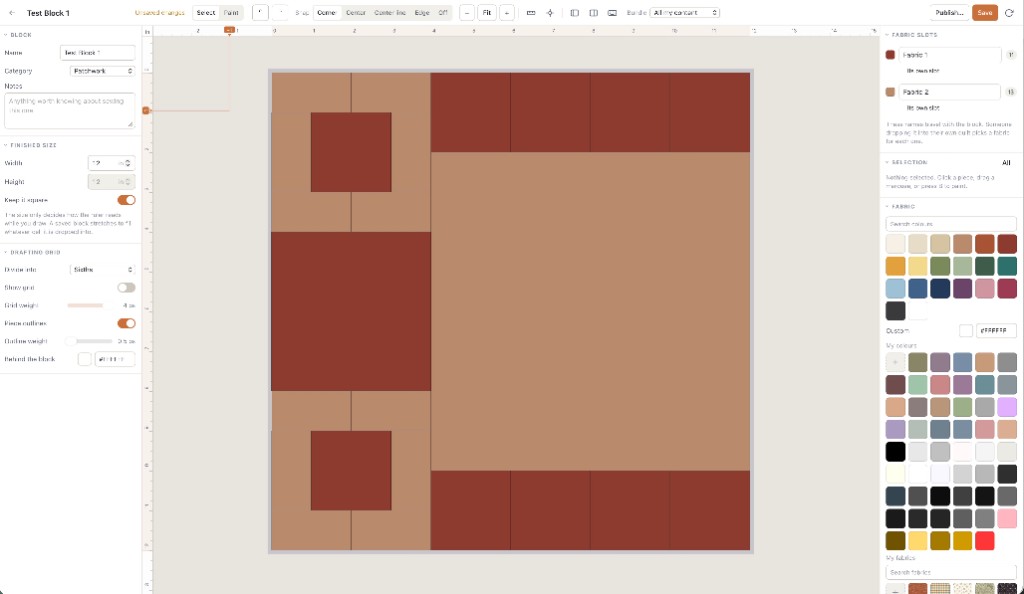
“Online” answers whether you need a download. “For web” answers whether the program will run on the machine you actually sit at. A colouring site can be online and still be useless on a Chromebook if it cannot become a cutting chart. Quiltler’s web studio is quilt design software that happens to be hosted: cuts, a block library, borders that change finished size, a marketplace pattern that opens on the same canvas.
You still need the network to load the app and to sync. We do not ship an offline Windows installer, and we do not pretend a browser tab is one. If the only machine is air-gapped, a traditional desktop program is the right shape — the Electric Quilt comparison says when that is still the hammer.
Open the studio on the computer that used to be the problem. If the canvas runs, the argument is over. Saving still needs an account; designing does not.
When to stay in the browser, and when to pick up the tablet
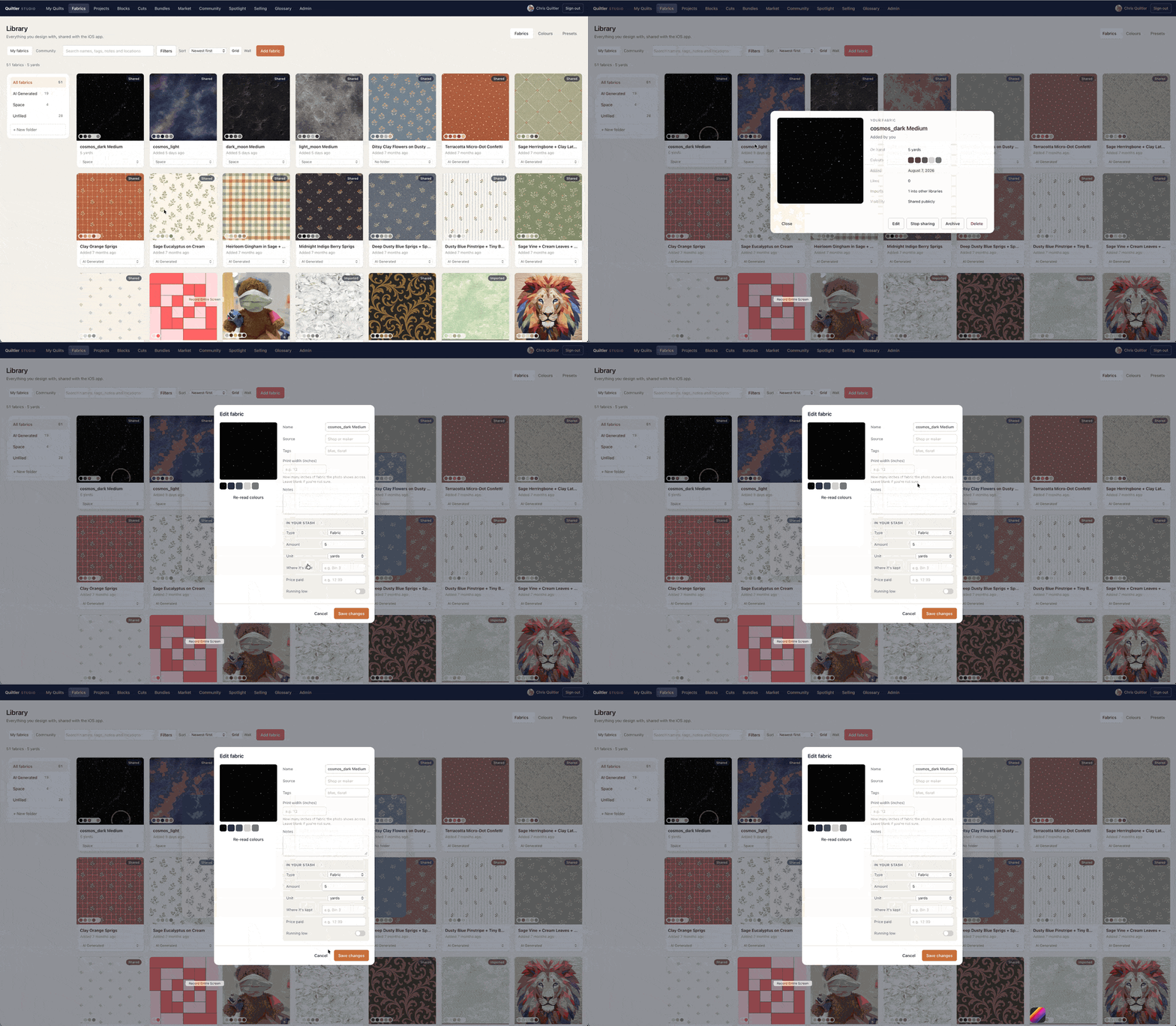
Stay in the browser for a mouse, a large monitor, and any machine that is not an Apple tablet. Photograph fabric at the desk webcam or upload a file. The stash tools are the same ones the phone uses. Free accounts still keep ten fabrics and one saved quilt — the web surface does not secretly raise the allowance.
Add iPhone or iPad when you want Pencil, a shot of the bolt in the shop aisle, or the quilt on the sofa. iPad-only tools such as Quiltography never had a Chromebook story; that is the Quiltography alternative if that is the comparison you typed. Quiltler’s bet is that most people still need the desk.
Honest limits of a URL as software
Very old browsers will struggle. Use a current Chrome, Safari, Firefox or Edge. A phone browser can open the studio; the native iPhone app is the better touch surface. School filters that block accounts will block saving; the canvas may still run. Pattern packs — including optional mirrored sheets for foundation paper piecing — still print from a subscription, whether you designed on a Chromebook or a cinema display.
We do not import proprietary Electric Quilt project files. Recreate the layout; keep Quiltler’s pack. We do not claim a fake #1 ranking for “best web designer.” For that decision framework, use best quilt designer after you have actually opened the tab.
Start on the machine you have
Open the designer on this computer. If you only needed the no-download walkthrough, the online quilt designer is shorter. If price was the real search, free quilt design software states the gate. New to piecing? How to design quilts sits beside the studio, not inside a paywall.
Same studio, other headings
Online quilt designer
The session in the tab: size, blocks, save. Not the computer question.
Quilt design software
What the studio contains once the machine is no longer the issue.
Best quilt designer
Tests for choosing a designer, including whether it runs on the web.
Free quilt design software
The honest gate: one saved quilt, ten fabrics, no canvas countdown.