Quilt layout software exists so you do not discover the throw is a twin after the border is sewn. You set inches, pick a grid, add sashing and borders, and the finished size moves in front of you. Quiltler is that job in the studio, with the same projects on iPhone and iPad. This page is the whole top. For the unit you stamp into it, use the quilt block designer. For the product map, see quilt design software.
On this page
What the layout panel actually sets
- Finished size. Baby, lap, throw, twin, queen, king — or type the inches. Block count and block size are the same conversation: change one and the top grows or shrinks. A size calculator can solve for the missing number when you know the bed and the sashing. Compare names in the quilt sizes guide.
- Grids. Rectangular rows and columns. Half-drop rows (every other row offset). Half-drop columns (a brick layout). On-point is still a valid quilt; you place and rotate rather than picking a one-click diamond mode.
- Sashing. Strips between blocks, with a width you type. Cornerstones where strips cross. Sashing can be a flat fabric or pieced from blocks snapped to fit the band. Turn it off and the blocks sit edge to edge again.
- Borders. One or more layers, each with its own width. Flat colour, or a ring of fillable blocks around the design. Add and remove layers; the finished size follows.
- Cut grids. Hexagons, diamonds, tumblers and other tessellations replace the square lattice when that is the quilt. Those layouts can print mirrored sheets via foundation paper piecing — Quiltler does FPP; that page is the papers. A honeycomb clipped to a rectangle can take a straight border; a whole-piece shaped edge cannot, and the panel says so.
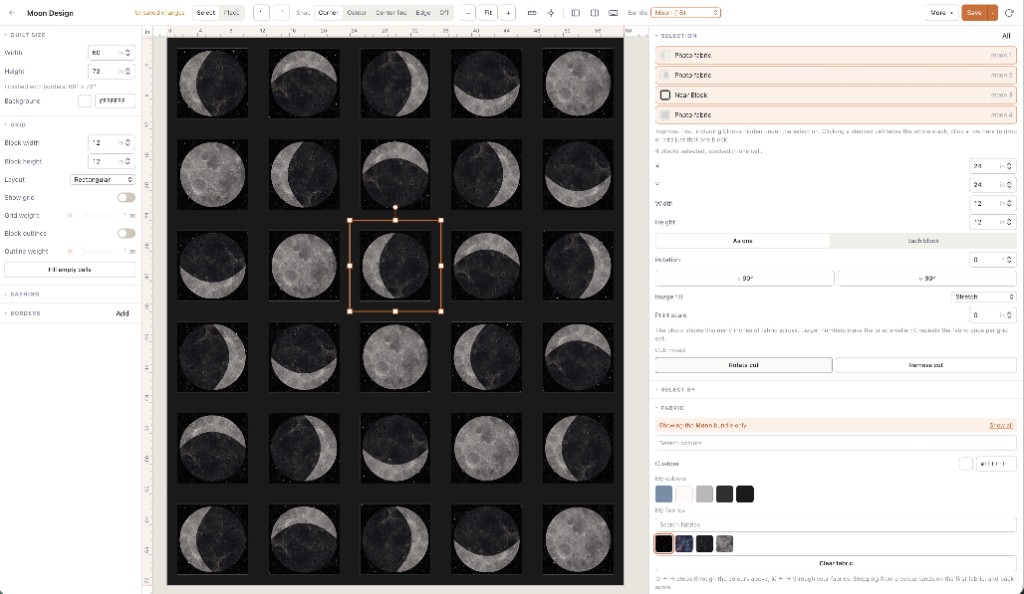
How a layout session actually moves
You do not fill in a wizard. You set size, place blocks, and add a border. Yardage is counted from the pieces — including sashing strips and border tiles — not from a guess at quilt width. Exact sizes and yardage for a design you make come with a $4.99 unlock of that layout or Quilter. Public calculator pages stay free. The cuts vs fabrics guide is the short version of why that matters.
Resizing the grid later moves everything already on it, which is why the first-run tour tells you to set size early. Undo exists. Snapping exists. None of that is a separate “layout app.” It is the left-hand panel of the same studio as the online quilt designer.
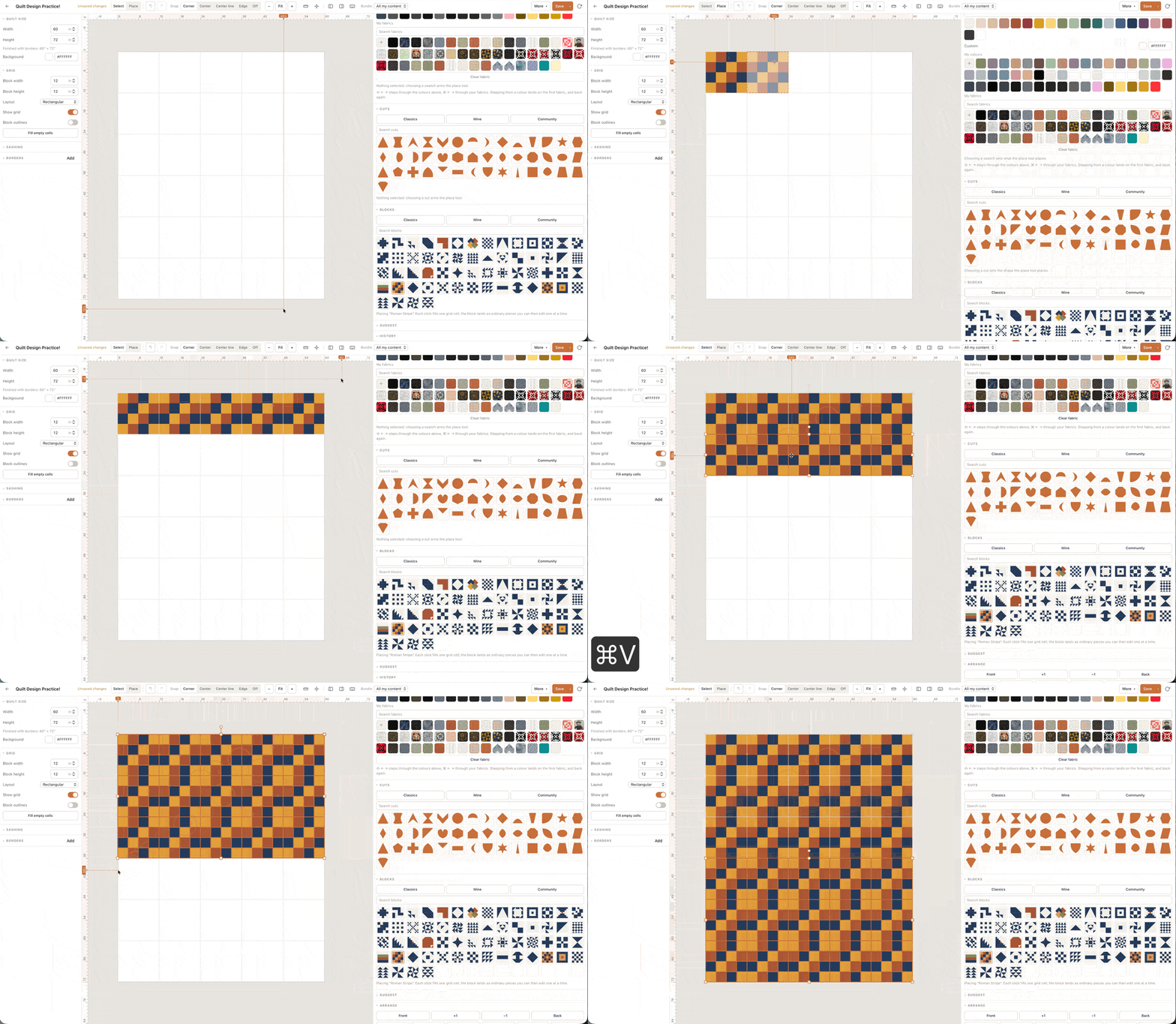
Open the studio and add a two-inch border to whatever is already on the canvas. If finished size moves, the argument is over.
The canvas is free; the pack is not
Any quilt size, any grid, sashing and borders: that is the free canvas, with no card. Free accounts keep one saved quilt and ten fabric photos. Exact sizes, yardage, cutting charts, and a printable pattern pack for a design you make come with a $4.99 unlock of that layout or Quilter. Confirm prices at checkout; terms are the legal copy.
If “free” was the search, free quilt design software is the honest gate without repeating this layout list. If the machine will not take an installer, use the quilt designer for web. Choosing among brands? Best quilt designer is the tests, not a ranking.
Who this page is for
Quilters who already know the block and need the bed: how many repeats, whether sashing is 2 inches or 2½, which border makes a throw into a twin. Teachers who need the finished size on screen before anyone cuts. It is a poor fit if you only wanted to recolour a JPEG of a layout you will never sew, or if you needed a one-click on-point diamond mode — Quiltler still does on-point by placing and rotating.
New to designing on a computer? Quilt design software for beginners starts with recolouring a layout that is already there. How to design quilts sits beside the studio if the craft itself is the new part.
Around the layout
Quilt block designer
The unit you stamp into this grid: classics, drafter, cuts.
Quilt design software
The category page: blocks, layouts, stash, yardage, packs.
Quilt sizes guide
Baby through king, in inches, before you commit the grid.
Online quilt designer
A no-install session: size, blocks, save.