Quilt border planner is quilter language for borders that belong to a real size: how wide, how many layers, what they do to the throw or twin you promised. Quiltler does that in the studio. This page is borders on finished size. It is not the standalone quilt border calculator, which solves strip math when you are not inside a saved layout. For sashing between blocks, see quilt sashing planner. The whole grid is quilt layout software.
On this page
What the border planner actually sets
- Finished size, not center only. Borders grow the quilt. Quiltler keeps total inches visible so a 2-inch strip on a lap top does not silently become a bed quilt.
- One layer or a stack. Add outer borders, inner borders, or a pieced border ring from fillable blocks. Remove a layer and the size should shrink in front of you.
- Fabric roles on the border. Paint borders from photographed cloth or solids. Free keeps two fabrics plus unlimited solids; yardage follows the tiles on the border.
- Yardage from border pieces. The fabric total includes border strips in the count, not a handwritten WOF guess. Per-fabric charts and binding rows are the subscription pack.
- FPP borders when needed. A pieced border with sharp points may print as foundation paper piecing sheets. Quiltler does FPP; that page is the papers. A plain strip border does not need them.
Planner vs border calculator
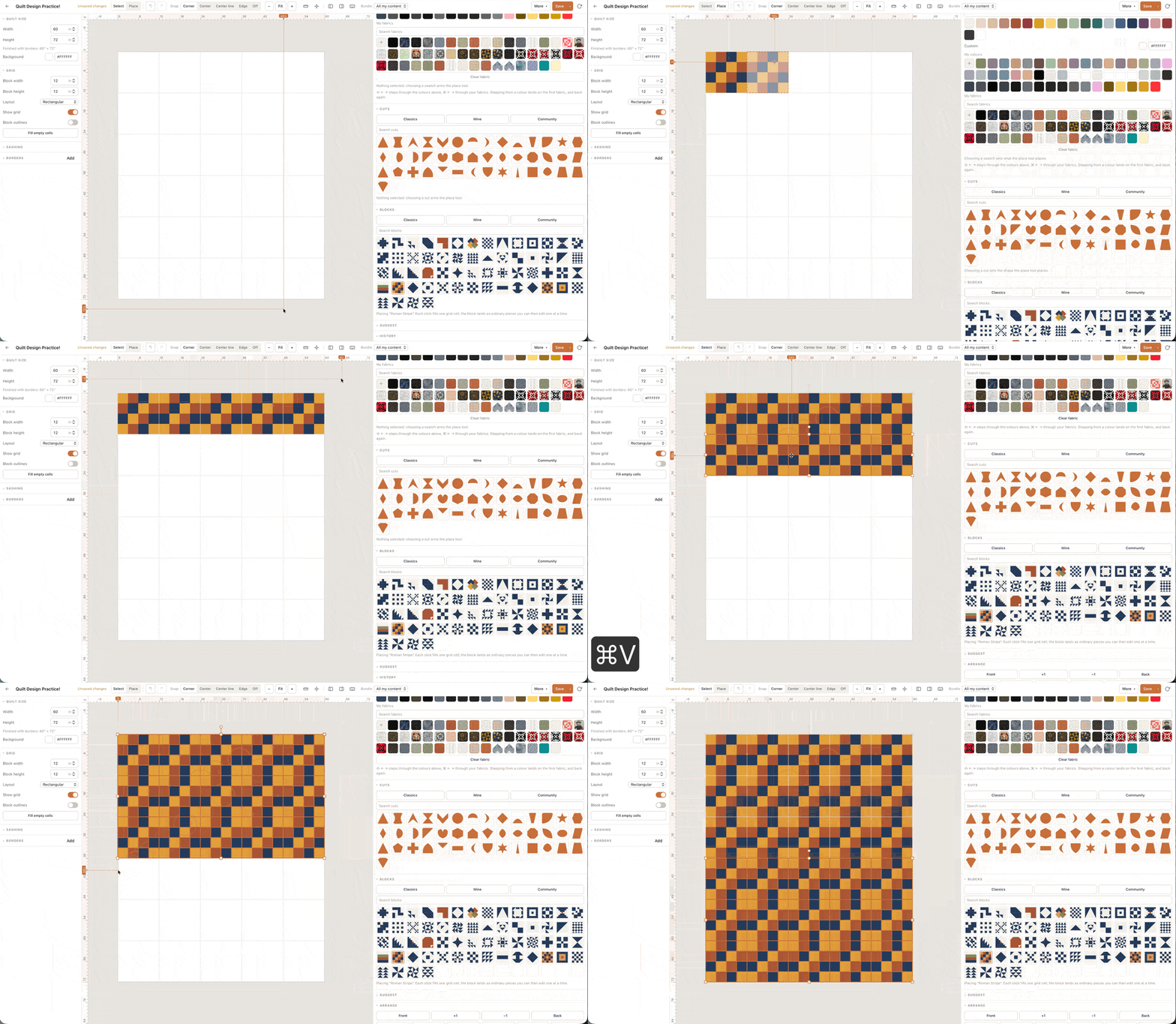
The calculator answers strip length from width and quilt dimensions when you already know the numbers. The border planner answers what happens to the gift throw when you add a third border the night before the shower. Same geometry, different moment: inside a saved design, the border and the block grid share one fabric total.
Sashing changes the center field; borders wrap it. If your question is strip width between blocks, use the sashing planner and layout page together. If your question is only outer strips on a known width, the calculator is enough — but it will not recolour the border or count yardage from a pieced ring.
Planning borders on the free canvas
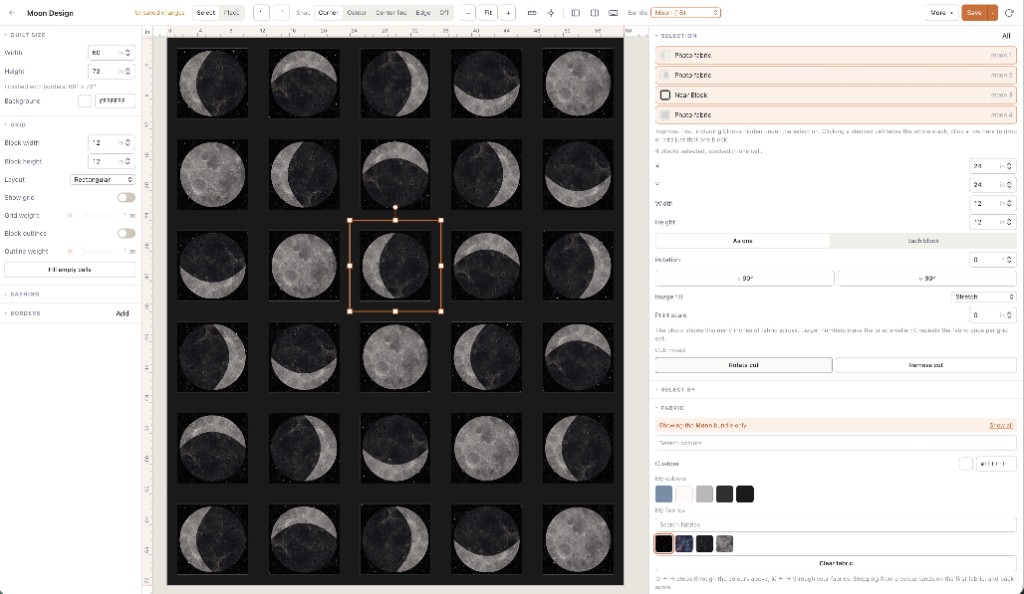
Any border width, layers, blocks inside the layout, fabric photos, finished size and a fabric total: that runs free with no card. Free accounts keep one saved quilt and two fabrics — enough to audition a focus print border on a solid field. Save the quilt whose borders you will sew; an unsaved tab is not a plan.
Printable packs — per-fabric yardage, backing, binding, optional foundation paper piecing — are subscription. The border math on screen is not a separate product from the layout tool; changing a border should move the same total you saw before checkout.
Open the studio, set a throw, add a 3-inch border, then add a second layer. If finished size and the fabric total both move, you are using a quilt border planner.