People search quilt cornerstone planner when sashing strips would overlap and they want a square of a second fabric instead. Quiltler is that job in the studio. Strip math without a drawing is the quilt sashing calculator. The whole strip system is quilt sashing planner. Layout context is quilt layout software.
On this page
What this page actually plans
- Cornerstones replace the overlap. Size does not change; the piece list does.
- A third fabric, often. Free two fabrics means you may use a solid for stones.
- Every sash becomes short. Horizontal runs are no longer one long strip.
- Borders are not cornerstones. Outer frames are quilt border planner.
- FPP is unrelated unless a cornerstone is a tiny pieced unit — then foundation paper piecing can print it.
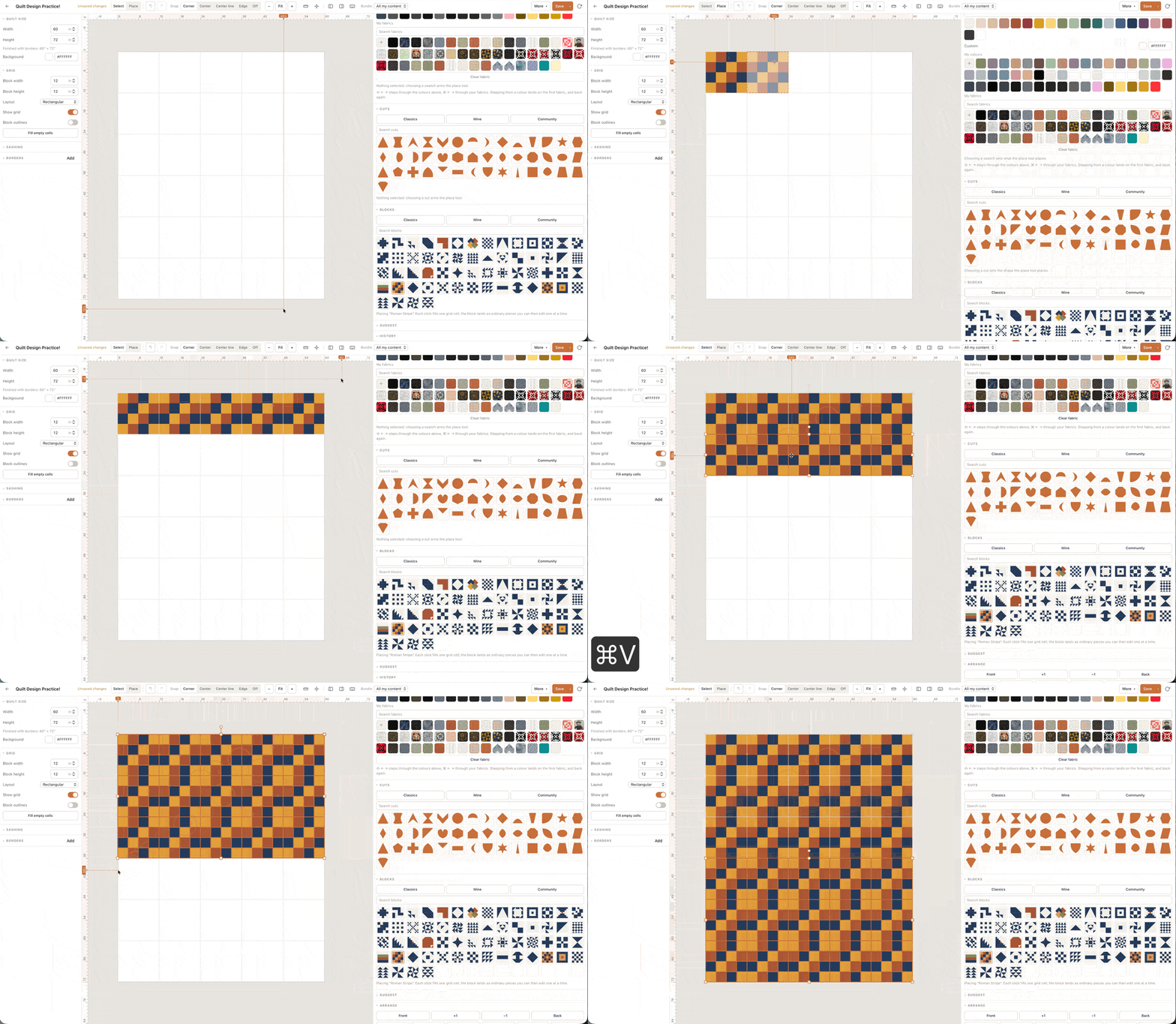
Why cornerstones exist
Without cornerstones, each horizontal sash is as long as the row. That strip is often longer than the fabric and gets pieced. With cornerstones, every sash is one block long and the crossing is a square you can cut from a contrast print. The quilt’s finished size is the same either way. The cutting chart is not.
The sashing calculator’s cornerstone toggle is the scratch pad. The studio is the proof on a real grid.
One saved quilt for the sash-and-stone plan you will sew. Count the stones on a queen grid before you cut a pile of 2.5-inch squares from a fat quarter that cannot cover them. Horizontal sashes without stones are long strips that often exceed the bolt; stones turn every sash short. Borders are still a different strip. Foundation paper piecing is only for a pieced miniature stone, not for a plain square.
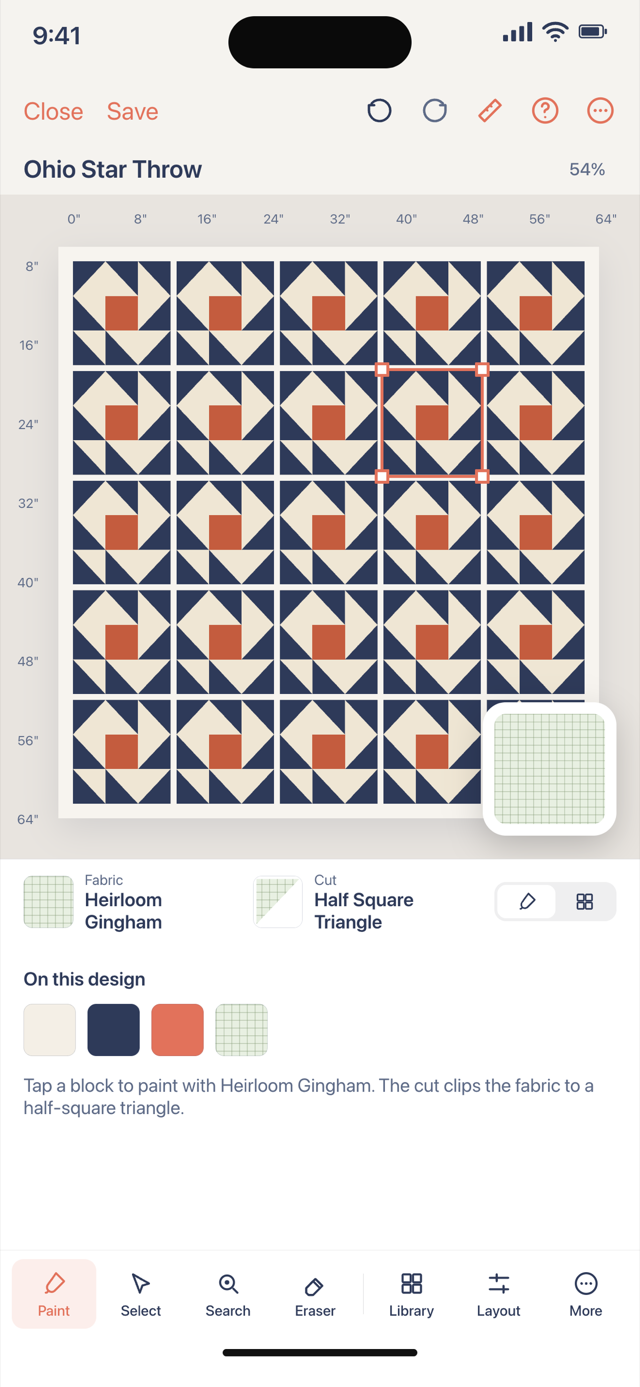
Colour and scale
Busy blocks like quiet stones. Quiet blocks can take loud stones. How to choose quilt colors still applies. A 2-inch finished sash is a common starting width; narrower stones disappear, wider stones become a second grid.
On-point quilts can still use cornerstones. The diamonds just meet differently — on-point quilt planner.
Yardage
Stones are small but they add up on a queen. Count them. Piece-based totals in the studio include them when they exist as pieces. The calculator lists cut size plus seam allowance.
Write the finished inches down, then open the matching backing, binding or batting answer if that size has one. Those pages do not replace the canvas: they cover the rectangle jobs. The pieced top is still counted in the studio. If one unit needs foundation paper piecing, the pack can print sheets after you subscribe; a nine-patch field does not. Keep the free limit in mind: one saved quilt and two photographed fabrics, plus solids, is enough to prove the plan before you cut a stack the shop will not take back.
Open the studio, add sashing, and turn cornerstones on. If the third colour is only a solid, you can stay on two photographed prints.