People search on-point quilt planner when squares sit on their point, not on their side. Quiltler’s layout can rotate a square grid; the edge fill is still a setting-triangle job. Design in the studio. Cut math for those triangles is the free setting triangle calculator. Straight-set layouts stay on quilt layout software. Size names are in the quilt sizes guide.
On this page
What this page actually plans
- 45° on a square grid. On-point is a setting, not a different block library.
- Setting triangles are not HSTs. Bias on the outside edge is the classic mistake. Use the calculator.
- Finished size grows. Diamonds measure differently than a straight set of the same blocks.
- Sashing on point. Strips follow the diamond grid; quilt sashing planner still applies.
- FPP for fussy units inside a diamond. Optional foundation paper piecing.
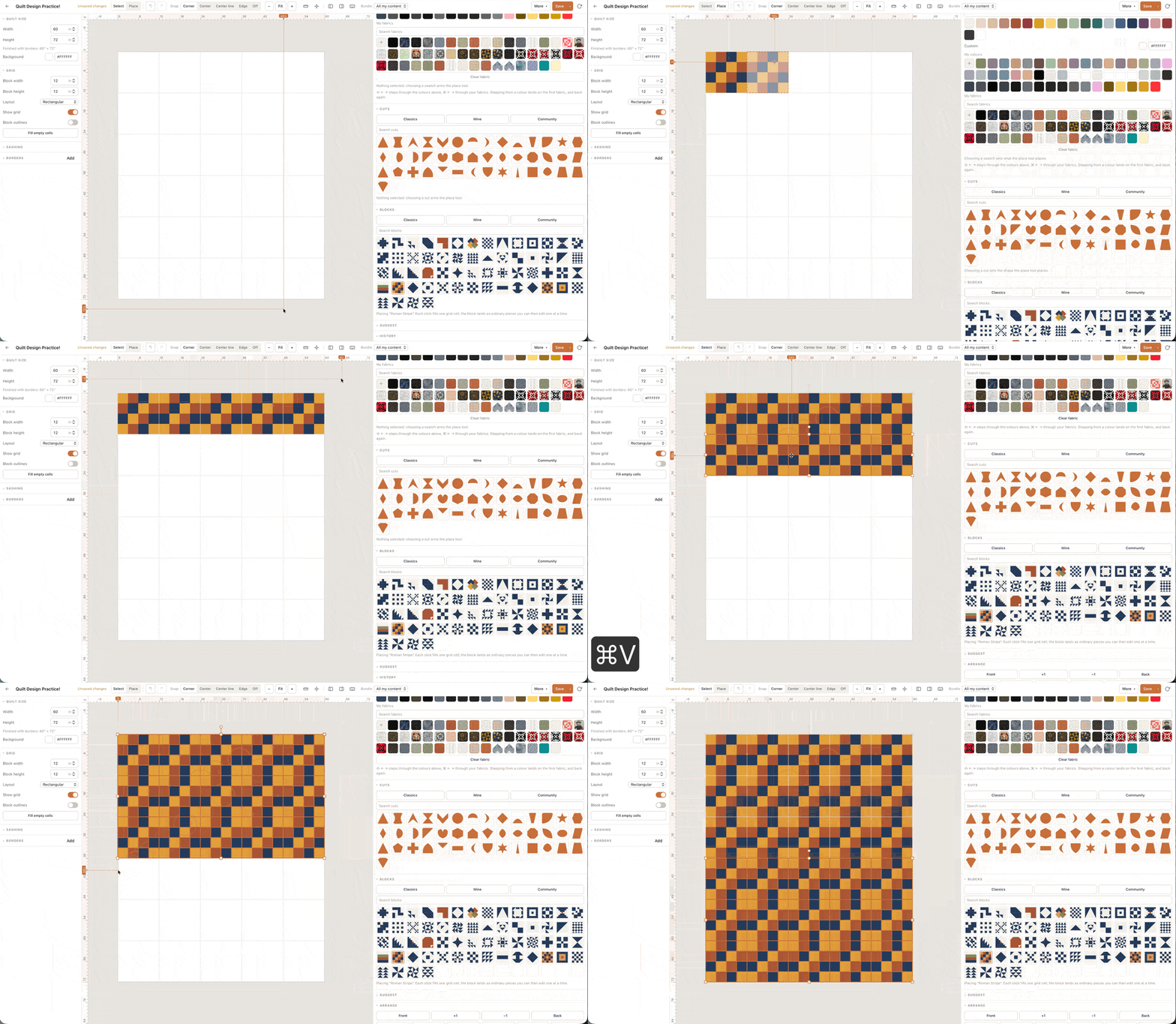
On-point is a setting, not a personality
The same nine-patch can sit straight or on point. On point makes the block a diamond and needs triangles (and usually corner triangles) so the quilt has a straight outer edge. If you skip those, you have a zigzag edge you probably did not want.
Quiltler shows the rotated grid. You still cut setting triangles from the calculator so the straight grain sits on the perimeter. Do not use the half-square triangle calculator for that edge — those are piecing triangles, not setting triangles.
Borders after an on-point centre still change finished size. Watch the number.
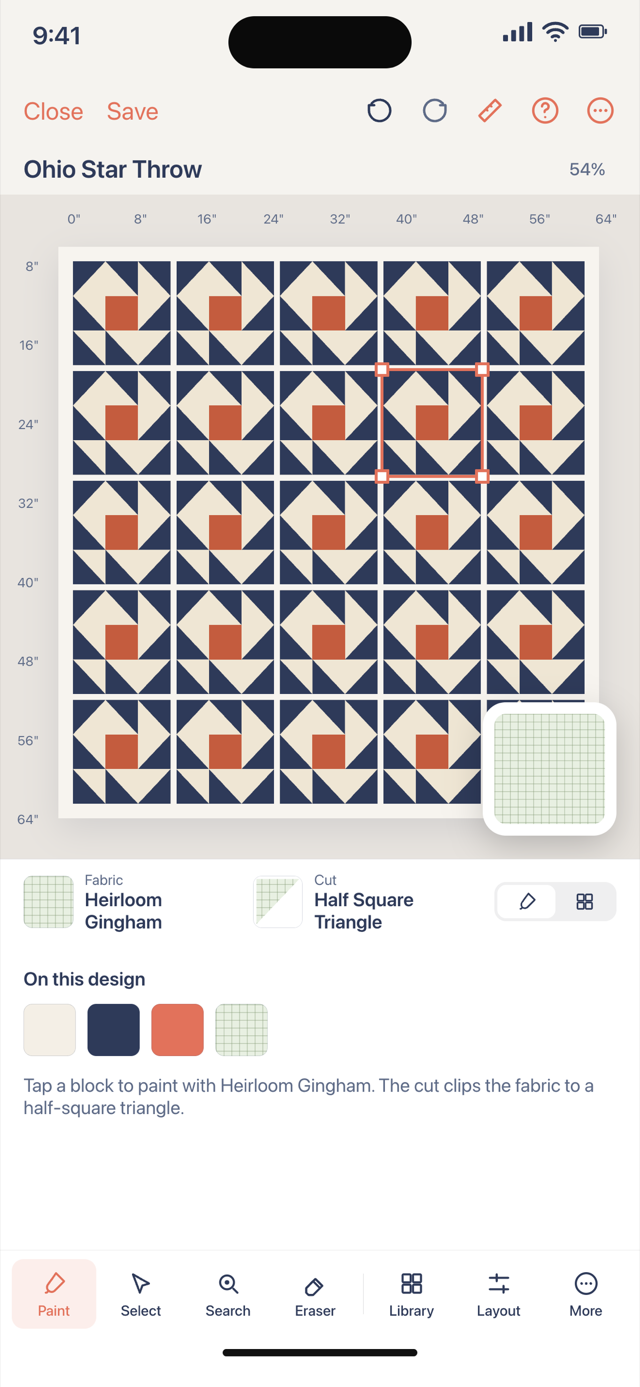
Straight set versus on point
Straight set is rows and columns of squares. On point is rows of diamonds. Same blocks, different yardage of background. If you only need ‘a quilt of HSTs,’ the half-square triangle quilt planner may be the simpler job.
Cornerstones and sashing still work. They just follow diamond meetings.
Yardage and free limits
Background for setting triangles is real fabric. Count it. The studio’s fabric total includes pieces you drew; the calculator covers triangles you have not drawn yet.
Two fabrics on free: often block plus background. One saved quilt for the on-point experiment you will actually sew. Setting triangles keep straight grain on the quilt edge; HSTs do not. Cut those triangles from the calculator, not from leftover HST squares. Corner triangles are a different cut again. Foundation paper piecing inside a diamond is optional for sharp units in the pack.
Write the finished inches down, then open the matching backing, binding or batting answer if that size has one. Those pages do not replace the canvas: they cover the rectangle jobs. The pieced top is still counted in the studio. If one unit needs foundation paper piecing, the pack can print sheets after you subscribe; a nine-patch field does not. Keep the free limit in mind: one saved quilt and two photographed fabrics, plus solids, is enough to prove the plan before you cut a stack the shop will not take back.
Open the studio, rotate the grid, and keep the setting triangle calculator in another tab. That pair is on-point planning.