Quilt sashing planner is the job between blocks: how wide the strips are, whether cornerstones sit at the crosses, and how much yardage those strips add. Quiltler does that in the studio. This page is sashing on a layout. For strip math alone, use the quilt sashing calculator. For borders wrapping the whole top, see quilt border planner. The full bed-quilt geometry is quilt layout software.
On this page
What sashing planning actually controls
- Strip width you type. Sashing is not a vibe setting — inches between blocks, visible on the layout. Change width and finished size should update.
- Cornerstones or continuous strips. Crossings can be a contrasting square or the same fabric as the sashing. Both affect yardage because the pieces differ.
- Block count and block size. Fewer large blocks mean less sashing; more small blocks mean miles of strip. The planner reads the grid you placed, not a generic chart.
- Fabric on the strips. Photograph sashing cloth and cornerstones. Free keeps two fabrics plus solids; the fabric total includes sashing tiles.
- Optional FPP blocks in the grid. If a block needs foundation paper piecing, sheets can ship in the pack. Sashing itself is usually straight strips, not FPP.
How a sashing planning session moves
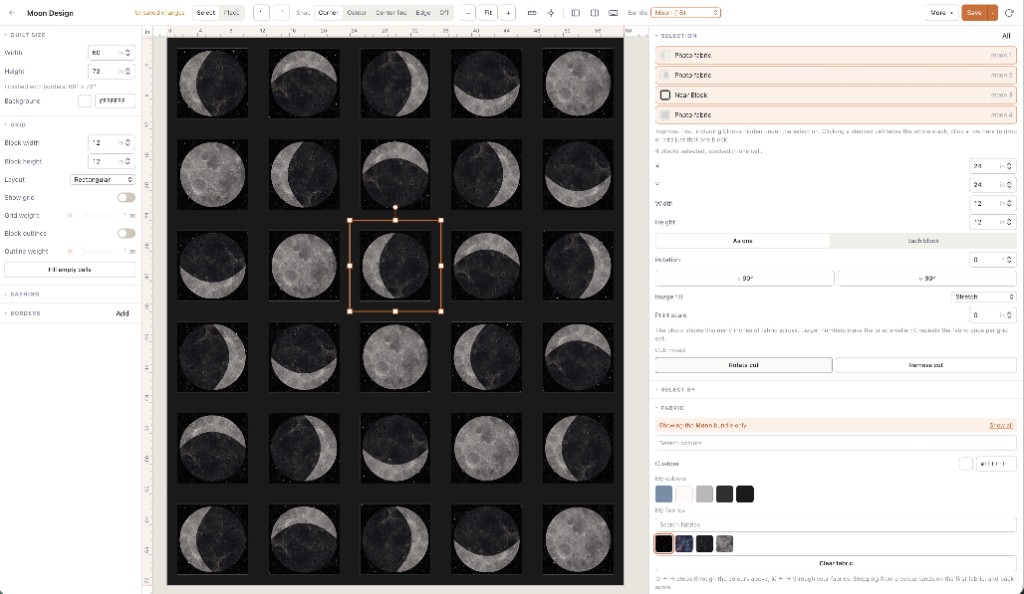
You set finished size, place or stamp blocks, then turn sashing on and type a width. The center field grows; borders, if any, wrap the new center. That sequence is why sashing planning belongs inside layout software rather than a lone calculator — the calculator assumes you already know the center dimensions.
When you swap a photographed print onto sashing roles, the fabric total should move because yardage is counted from pieces. Free accounts see that total with finished size; per-fabric rows and binding charts are subscription. One saved quilt on free means save the layout with the sashing width you chose — auditioning three widths in one tab is fine, but only one plan persists without upgrading.
Pair sashing decisions with border planning when the gift size is fixed. A 2-inch sashing on a throw reads different from the same strip on a twin; the planner keeps both in inches so you do not discover the problem at the longarm.
Who this page is for
Quilters who know sashing is coming but want to see strip width against blocks before cutting. Guild challenge tops with a required grid. Makers who use the sashing calculator for homework but need fabric roles and yardage on the real quilt.
It is a narrow page on purpose. If you only wanted block design, use the block designer. If you wanted a scrappy stash audition, the scrappy planner names that job. Sashing is the calm strip between busy blocks — plan it where the blocks already live.
Wide sashing shrinks the block field without changing block size. If blocks look lost, reduce strip width before you add a border — the planner shows both at once.