People search quilt block size planner when they know they want 8-inch or 12-inch blocks and need to know how many fit a throw or a queen. Quiltler is that job in the studio. The free quilt size calculator answers how many blocks fit when you are not in a saved design. Layout strips are quilt layout software. Making the unit itself is make your own quilt block or quilt block designer.
On this page
What this page actually plans
- Finished size is what you see. Cut size includes seam allowance — see quilt seam allowance planner.
- Block count follows the quilt. 50×65 with 10-inch blocks is a different grid than 90×95.
- Sashing changes the math. A 2-inch sash between 12-inch blocks is not twelve anymore.
- Two fabrics on free. Prove the scale with photos.
- FPP blocks have a paper size. Foundation paper piecing sheets must match the finished unit.
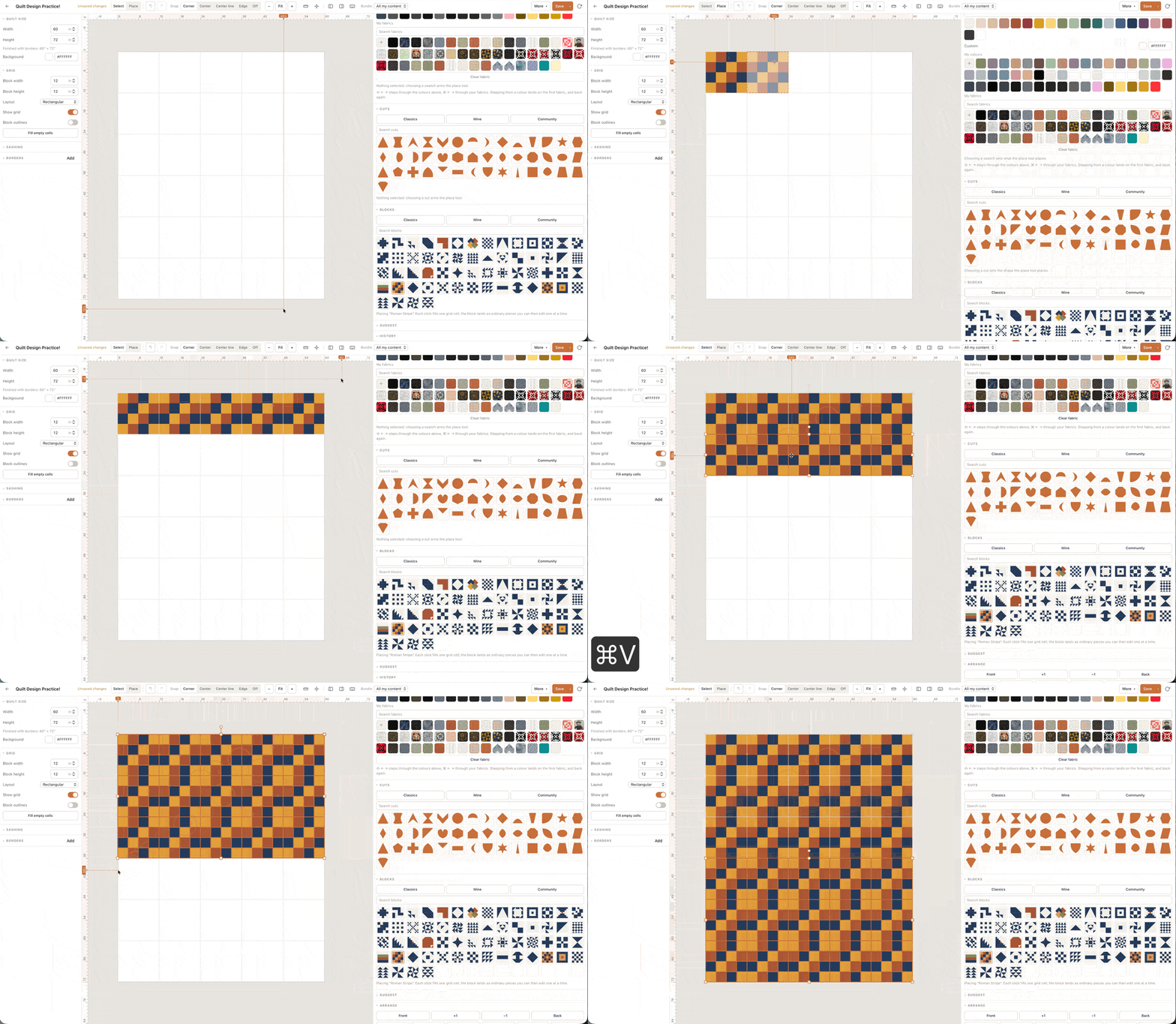
Pick the quilt, then the block
Beginners pick a block size they like and hope the quilt comes out. Flip it: pick throw, twin or queen from throw quilt designer or queen quilt designer, then ask which finished block divides that field. Leftover inches become sashing or a border, not a surprise.
The quilt size calculator is the scratch pad. The studio is the proof with fabric on the blocks.
One saved quilt for the size you will sew. An 8-inch block on a throw is a different weekend than a 12-inch block on a queen. Write both numbers before you cut a stack. Sashing of 2 inches finished between 12-inch blocks is not a 12-inch quilt anymore — add it on the canvas. Seam allowance still lives in the cut; this planner is the field. Foundation paper piecing sheets, if you need them, must print at the same finished unit as the block you just chose.
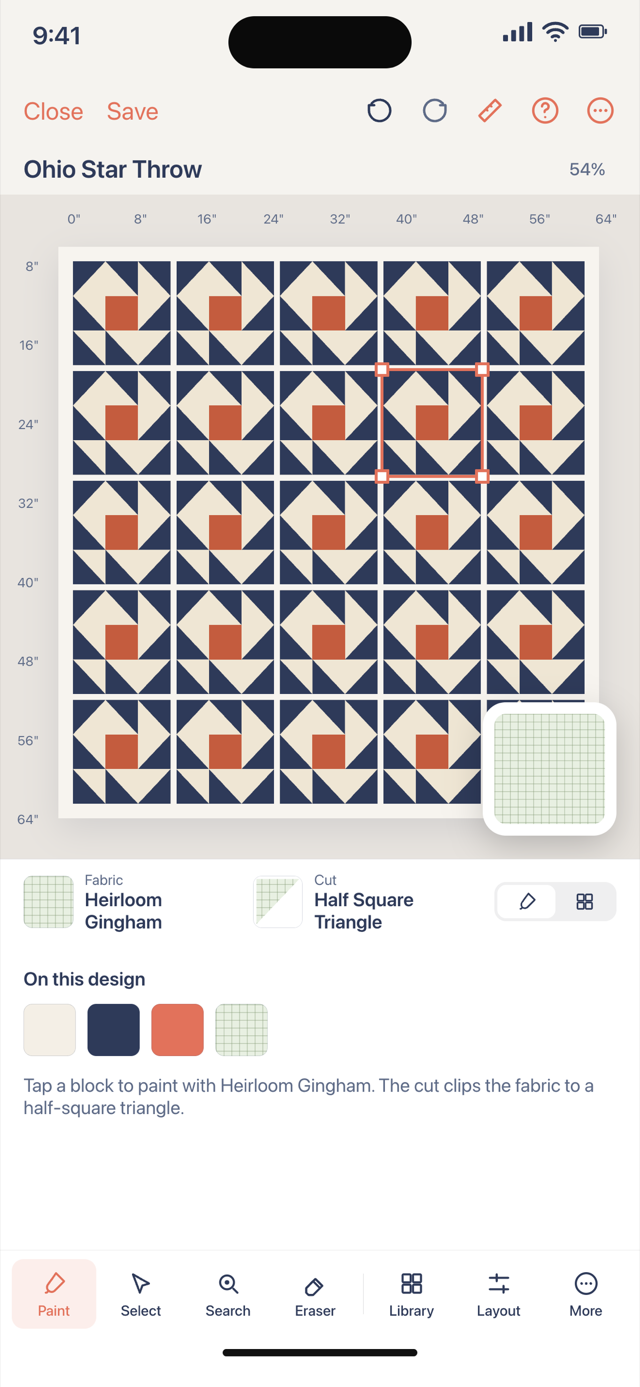
Finished versus unfinished
Quilters say 12-inch block and mean finished. Unfinished is 12.5 with a quarter-inch seam. Mixing the two is how a queen comes out 4 inches short. The seam allowance page exists so this planner can stay about filling a field.
On-point settings change how block size reads across the diagonal. See on-point quilt planner.
Library stamps still have a size
Stamped classics scale. A friendship star at 6 inches is a different quilt than at 12. Set the unit, then the repeat. FPP, if you use it, must print at the same finished size as the canvas unit.
Write the finished inches down, then open the matching backing, binding or batting answer if that size has one. Those pages do not replace the canvas: they cover the rectangle jobs. The pieced top is still counted in the studio. If one unit needs foundation paper piecing, the pack can print sheets after you subscribe; a nine-patch field does not. Keep the free limit in mind: one saved quilt and two photographed fabrics, plus solids, is enough to prove the plan before you cut a stack the shop will not take back.
Open the studio, set a throw, and try 8-inch versus 12-inch blocks. The finished size panel is the planner.