People search throw quilt designer when the quilt lives on a couch, not a mattress — wide enough to tuck, small enough to finish. Quiltler is that job in the studio. Named throw dimensions sit in the quilt sizes guide; 50×65 is the common anchor this page uses. Fabric shopping math for that size is how much fabric for a throw quilt. Smaller gifts use baby quilt designer; the next bed step is twin quilt designer.
On this page
What throw design actually sets
- 50×65 or your inches. Type throw size first so sashing does not turn a throw into a twin.
- Blocks scaled to a throw. Stamped classics or drafted squares — enough repeats to fill the field without thousand-piece fatigue.
- Sashing and borders on throw scale. A 3-inch border reads bold on 50 inches wide. Quilt layout software shows that as you change it.
- Fabric photos on roles. The free account holds ten fabric photos plus solids. Cutting sizes and yardage for a quilt you design come with Quilter, or with a one-time $4.99 purchase of that quilt's pattern. The how-much-fabric article is the public calculator when you are not in a saved quilt.
- FPP when a throw block needs it. Sharp stars or tessellations may use foundation paper piecing sheets in the printable pattern. A rail-fence throw does not require FPP.
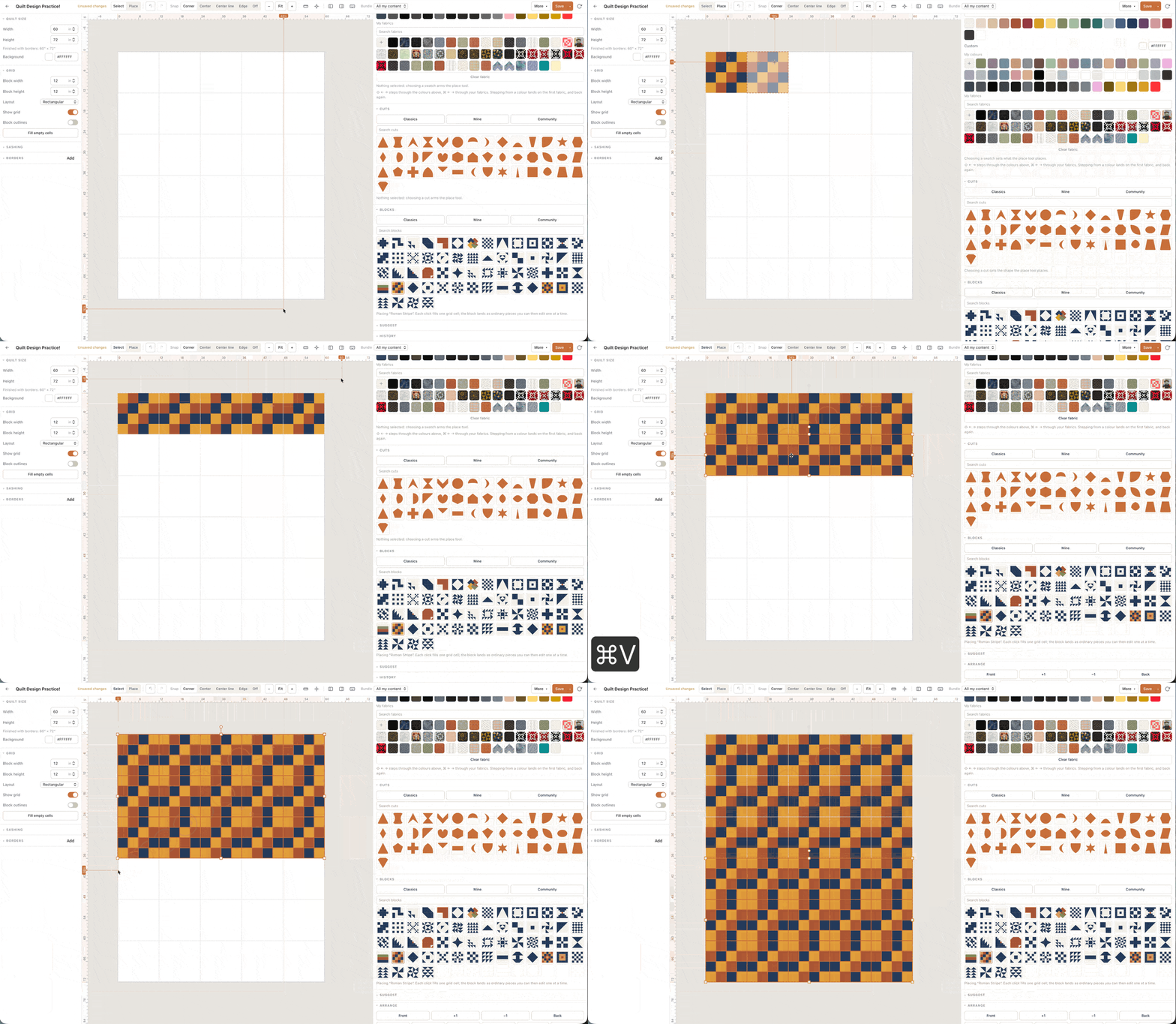
Design a throw you will actually quilt
Start from 50×65 unless the recipient gave different inches. Choose a block with a repeat you can sew on weekends — throw quilts fail when they are secretly queen tops with throw in the filename.
Photograph a background and a focus print; assign accents with solids if you are within the free account's limits. Open the how-much-fabric article if you want a second opinion outside the saved quilt. Public calculator pages stay free.
One saved quilt on the free account should be the throw you cut — not three throw auditions you cannot tell apart. Quilter, or that quilt's pattern ($4.99), adds per-fabric charts, backing, binding and optional foundation paper piecing sheets for fiddly blocks.
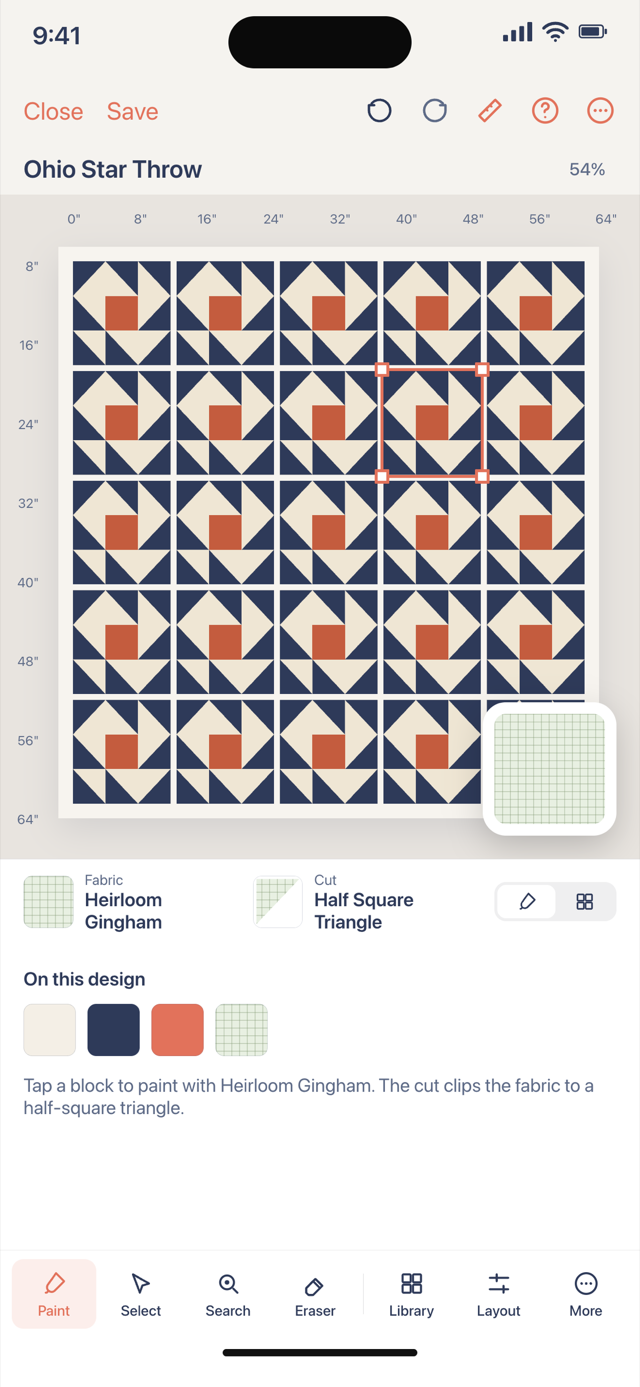
Throw vs baby vs twin
Baby quilts optimize for crib inches and fast gifts. Twin quilts assume mattress length and width — 70×90 is the common twin anchor on the twin designer page. Throw sits between: more piecing than a baby quilt, less than a bed. If you are unsure, compare names in the sizes guide before you stamp blocks.
The throw designer is not a different app — it is the same studio as the planner and layout pages, set to throw size. Change the size and the paid yardage follows for that quilt.
Open the studio, set 50×65, add a border, and watch total inches. That is throw design before rotary cutters touch fabric.