People search baby quilt designer when the quilt has to be small, soon, and sewable: a crib gift, a first top, a lap for a car seat, not a bed for a guest room. Quiltler is that job in the studio. This page is the small quilt. It is not quilt design software for beginners, which is the first hour in the program. And it is not quilt planner software in the abstract — here the plan is crib-sized on purpose. Named sizes live in the quilt sizes guide.
On this page
What “baby” actually means on the design wall
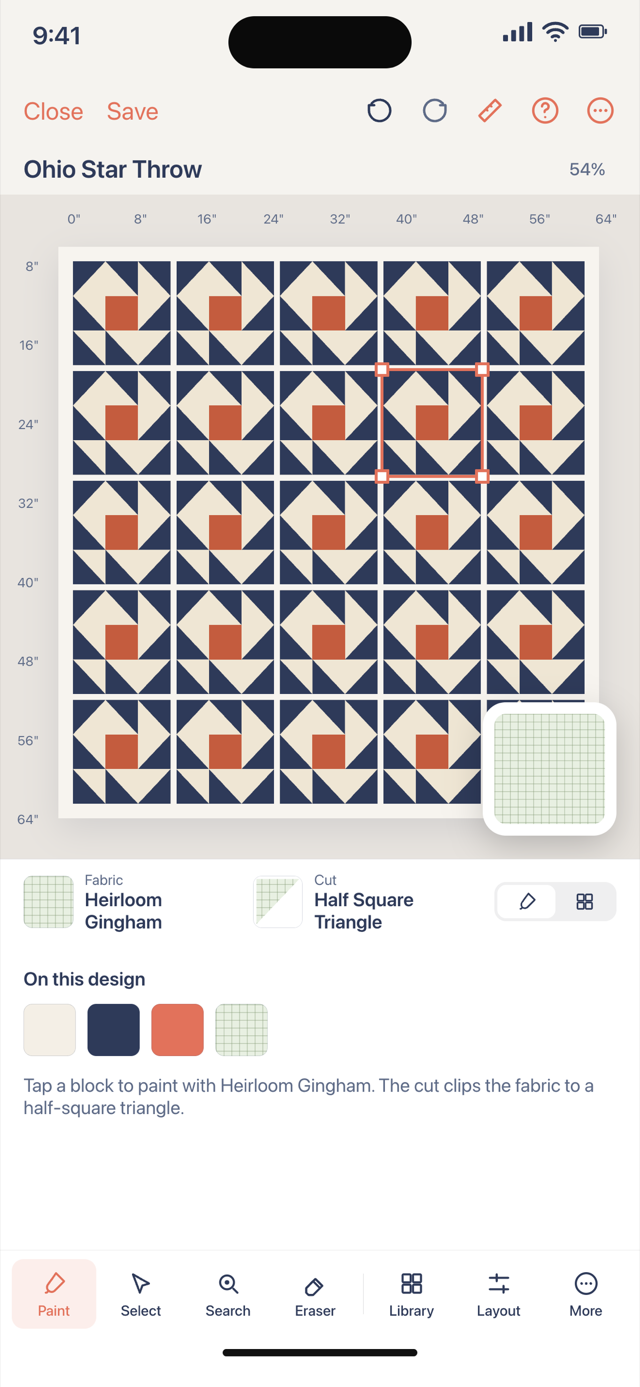
- Inches, not a vibe. Type a crib size (the sizes guide uses 36 × 52 inches), or pick a named size and then change it. Block count and block size are the same conversation: fewer, larger blocks finish faster; more, smaller blocks look busier. Set the inches you intend so the “baby” quilt cannot quietly become a twin.
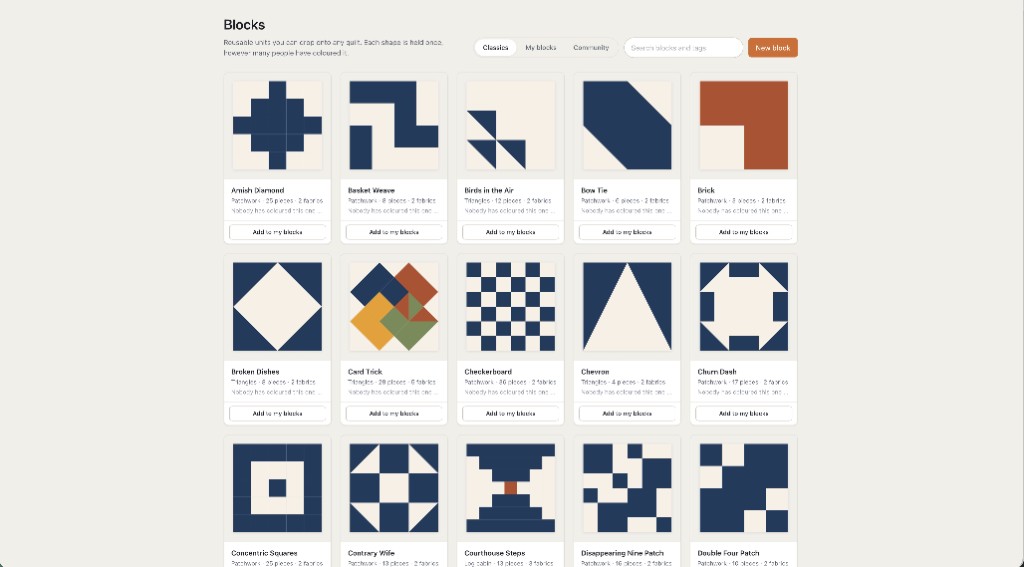
- Blocks that belong on a small top. Stamp a nine-patch, a star, a log cabin from the library, or draft one square. The quilt block designer is how you make the unit; this page is how many of them fit a crib.
- Sashing and a border that do not eat the quilt. A 2-inch border on a 36-inch top is a different object from the same border on a queen. Quilt layout software is where you plan that.
- Fabric you can finish. Photograph a background and a focus print, and fill the rest with solid colors. The free account keeps ten fabrics and one saved quilt.
- Yardage when you buy. Cutting sizes, yardage, backing, binding, batting and templates for a quilt you design come with Quilter, or with a one-time $4.99 purchase of that quilt's pattern, including foundation paper piecing sheets if a pieced block needs them. The standalone fabric calculator is there when you are not in a saved quilt.
A good first quilt is often a baby quilt
Not because babies need software — because a small top forgives. You learn a quarter-inch seam on fewer pieces. You are not committed to a bedspread if the navy was a mistake. Quiltler will not teach you the seam; it will keep the math from turning a crib quilt into a twin while you were choosing a border. Pair this page with quilting for beginners for the craft, and with the beginners software page for which button to press.
Simple patchwork — squares, rails, a log cabin — is often the right start. That piecing job is on patchwork designer. Hexie flowers are lovely and slow; they live on English paper piecing software. A photo of the baby as a mosaic is the photo quilt maker, and it is more pieces than most first quilts want.
What this page will not claim
Quiltler is not a safe-sleep authority. Crib dimensions in the sizes guide are quilting names, not a medical spec. Follow current guidance for what belongs in a crib. We will not sell you a “baby quilt” that is secretly a throw because it ranked.
The studio still runs in a browser tab and on iPhone and iPad. For the product map see quilt design software. For an honest look at the free account, free quilt design software. For choosing among brands, best quilt designer. Nothing here needs a Windows installer; the web designer is the desk version.
If the gift date is fixed, fewer, larger blocks beat a hexie portrait. The studio will let you design either; only one of them ships on time.
Around a small quilt
Quilt sizes guide
Baby, crib, throw and the rest, in inches.
Quilt design for beginners
The first hour in the program, not the crib size.
Quilt planner software
Size, blocks, fabric and yardage for any quilt, including this one.
Quilt layout software
Sashing and borders that change the finished size in front of you.