Quilt planner software is quilter language for planning this quilt before you cut — the notebook: throw or twin, these blocks, these prints, this many yards. Quilt planning software is the same search with a longer phrase. Quiltler does that job in the studio. This page is not quilt layout software, which is how blocks sit: grids, sashing, borders. And it is not best quilt designer, which is how to choose a brand. Here the subject is the plan you take to the shop.
On this page
What the plan actually contains
- Size. Baby, lap, throw, twin, queen, king — or type the inches. Block count and block size are the same conversation: change one and the top grows or shrinks. Compare names in the quilt sizes guide. Set the inches so the plan cannot quietly become a different bed.
- Blocks. Which units repeat: a stamped classic, a drafted square, a cut you pieced. The quilt block designer is how you make one unit. The planner is which units, and how many, on this quilt.
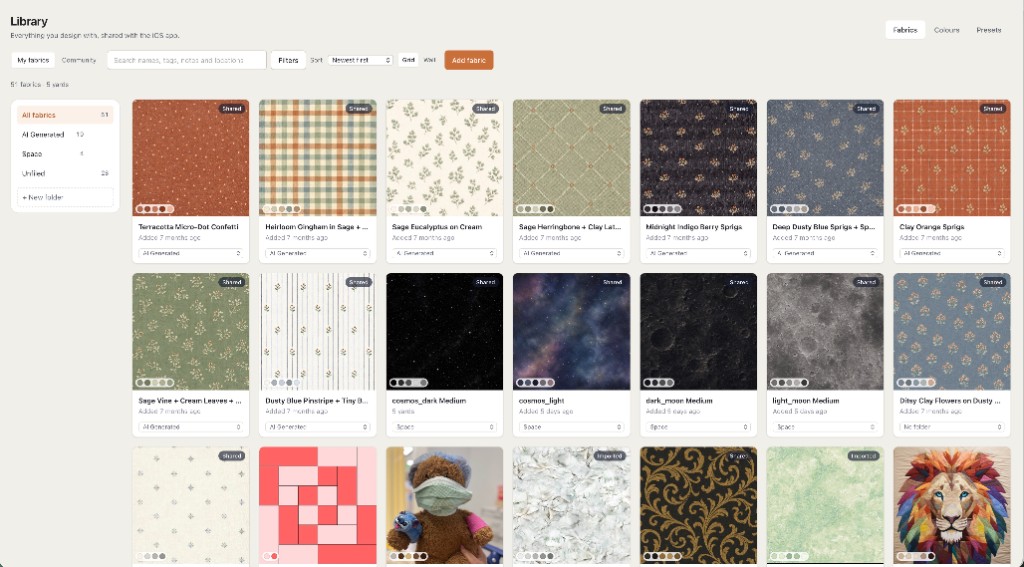
- Fabric. Photographs of cloth you already own, dropped onto point and background. Free accounts keep ten fabrics — a background and a focus print — plus unlimited solid colours. A fuller photo stash is the subscription.
- Yardage. Counted from the pieces, including sashing strips and border tiles, not from a guess at quilt width. Exact sizes, yardage, backing, binding, batting, and a cutting chart for a design you make come with a $4.99 unlock of that layout or Quilter. Public calculator pages stay free. A standalone fabric calculator exists when you are not inside a saved design.
Planner vs layout vs “best designer”
Layout software answers how the top is built: straight or half-drop, sashing width, how many border layers. You need that geometry. It is a different sentence from “I am planning a throw for June in these three prints.” Quilt planning software is that second sentence: size, blocks, fabric, yardage as one plan. Change a border on the layout and the planner’s yardage should move, because both are looking at the same pieces. They are not two apps.
“Best quilt designer” is a shopping question among brands. A planner is a sewing question about one quilt. If you wanted the brand checklist, leave this page. If you wanted piecing rather than a shopping list, the patchwork designer is cuts and seams. The product map for everything else is quilt design software.
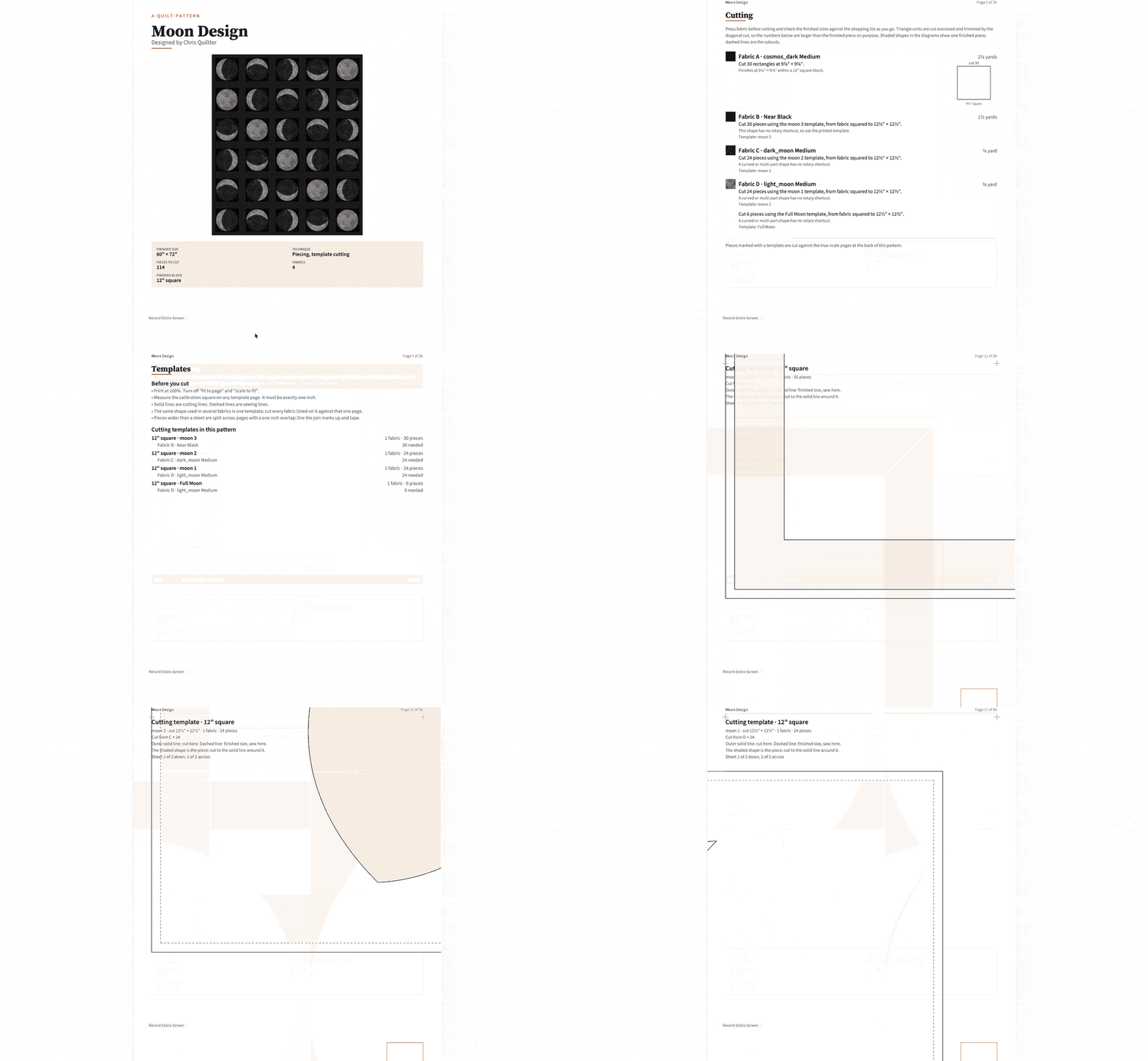
Open the studio, set a throw, drop fabric photos, add a border. If the layout changes with the border, you just used quilt planner software.
How a planning session actually moves
You do not fill in a wizard named Planner. You set size, place blocks, paint fabric, and read the numbers that follow. That is quilt planning software that lives inside the designer, which is why it also runs as the online quilt designer in a tab with nothing to install. On a Chromebook or a locked PC, use the quilt designer for web. Optional iPhone and iPad apps keep the same plan in a shop aisle — photograph a bolt, see it on the throw.
If a cut on the plan needs paper rather than a rotary shortcut, the pack can include mirrored sheets from foundation paper piecing. Quiltler does FPP; that page is the sheets. You do not need them to plan a four-patch throw.
The plan on free vs the pack
Visual design is free: any size, any blocks, and fabric photos, with no card. Free accounts keep one saved quilt and ten fabric photos. Closing an unsaved tab loses the work; save the quilt you would sew. Exact sizes, yardage, cutting charts, and exports for a design you make come with a $4.99 unlock of that layout or Quilter. Confirm prices at checkout; terms are the legal copy.
If “free” was the search, free quilt design software states the allowance without repeating this planner list. New to the computer? Quilt design software for beginners starts by changing a layout that is already there, then save the one plan.
Who this page is for
Quilters who say “I need to plan this quilt” and mean size, blocks, fabric and yardage — a shop list and a bed size — not a ranking of apps. Guild members checking a challenge size. Gift makers who cannot discover the throw is a twin after the border is sewn. It is a poor fit if you only wanted to recolour a picture you will never cut, or if you needed sashing math with no interest in fabric or yardage — that narrower job is the layout page.
The software will not sew a quarter-inch. It will keep the plan honest before you buy three yards of the wrong print. Craft sits in how to design quilts and how to make a quilt.