Search make your own quilt block when the unit is yours: a size, a seam map, a name you will repeat across a layout. Quiltler does that in the studio by drafting on a grid, stamping a starter from the library, or opening Cut Creator for odd pieces. This page is the creative block, not the whole quilt block designer manual — read that page for every button. Stamped classics live in the quilt block library. Your first top might start on first quilt planner.
On this page
Ways to make a block that will sew
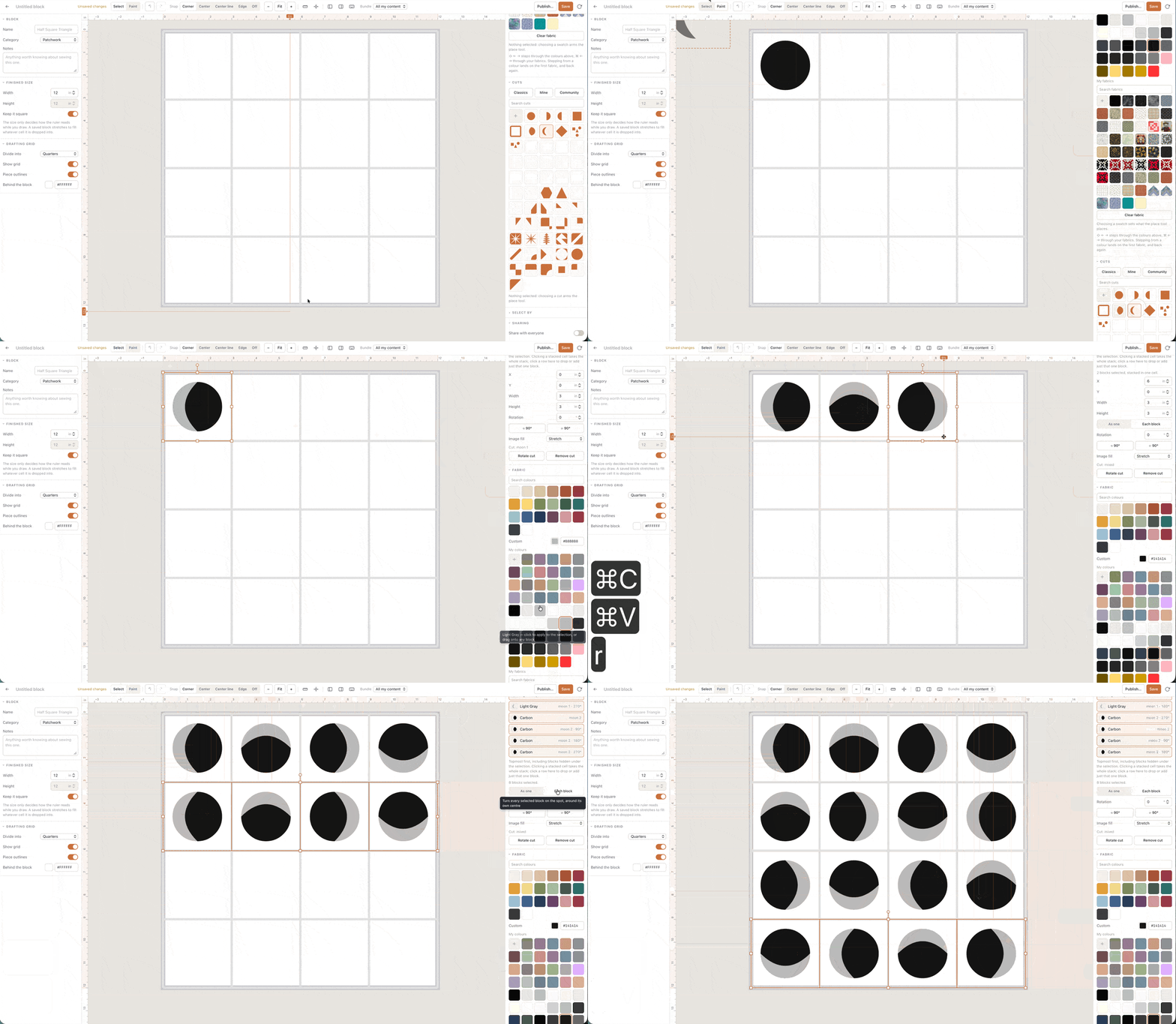
- Draft on the grid. Set the finished square inches. Draw pieces, assign fabric roles, and keep seam allowance inside the math — not as an afterthought.
- Stamp, then edit. Start from a nine-patch or star in the library, explode to pieces, and change one triangle until it is yours. The stamp is a shortcut, not a lock.
- Cuts inside the square. Half-square triangles, curves and custom shapes use the same fabric totals as the rest of Quiltler. Hard angles may export as FPP from foundation paper piecing in the paid pack.
- Save honestly. Free accounts keep one saved quilt and two fabrics. Saving unlimited custom blocks into your library shares the subscription gate with unlimited quilts.
From one block to a quilt
A block is not a quilt until it has a count and a layout. Set quilt size, drop your unit into a grid, add sashing if the design needs breathing room — that geometry is quilt layout software. Yardage then rolls up from every repeat plus borders, which is quilt yardage from design and quilt planner software in practice.
Patchwork across many different units on one top is patchwork designer. Custom cuts you reuse everywhere live on quilt cut designer. The block page is the square you get right once, then multiply.
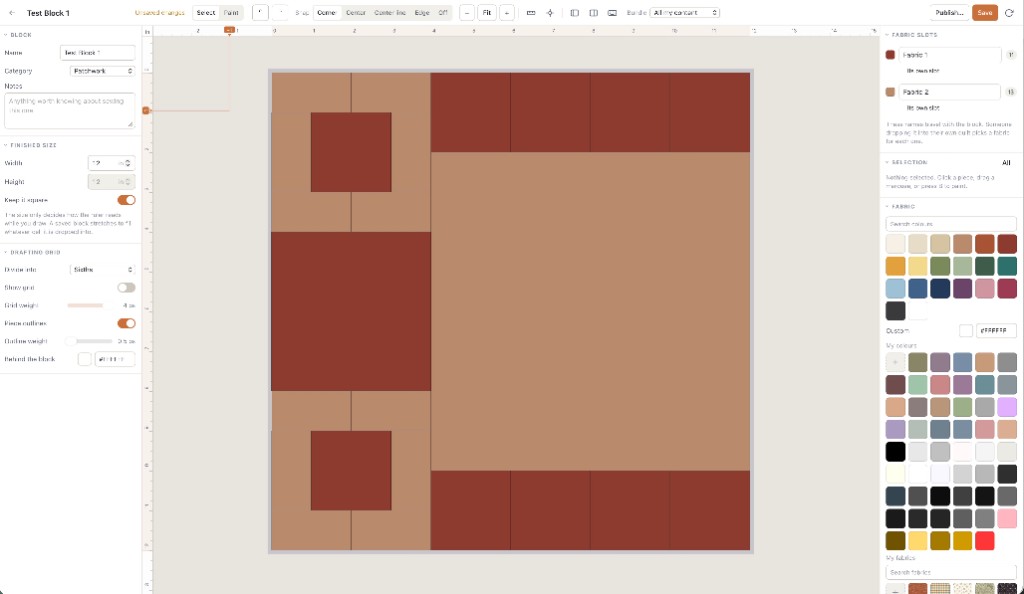
Open the studio, draft a 12-inch square, stamp it twelve times. If yardage moved with the repeats, you made a block you can sew.
Free to design the block; paid to file it
Drafting, stamping, cuts and layout on the canvas run with no card. Free accounts keep one saved quilt and two fabrics, and see finished size plus a fabric total. A subscription adds unlimited saves, custom block library entries, per-fabric yardage, backing, binding and templates. Confirm prices at checkout; terms are the legal copy.
New to software? Quilt design software for beginners. Honest free limits: free quilt design software.
Who this page is for
Quilters inventing a guild block, a signature unit for a sampler, or a teaching square students will copy. Designers who outgrew the catalog but do not need a full CAD suite. It is a poor fit if you only wanted to recolour a JPEG block, or if you needed hexie papers — see English paper piecing software.
Craft steps live in how to design quilts. The browser session is the online quilt designer.