People search first quilt planner when the quilt is a milestone, not a masterpiece — a lap, a baby gift, a throw you will finish this year. Quiltler is that plan in the studio. This page is the first quilt size and layout. Button-level help lives on quilt design software for beginners. A crib gift path is baby quilt designer; a sofa throw is throw quilt designer. Sewing steps sit in how to make a quilt.
On this page
What a first quilt plan should contain
- A finishable size. Baby, lap, or throw — not a queen because the fabric was on sale. Finished size stays visible while you add sashing or borders.
- Blocks you have seen before. Nine-patch, rail fence, log cabin from the library — not a paper-pieced portrait as lesson one. Save FPP for later via foundation paper piecing when you want sharp points.
- Two fabrics you can photograph. Background plus focus print on free; solids for accent rails. One saved quilt means save the plan you will cut, not ten auditions.
- A fabric total before the shop. Enough to know whether you need another half yard. Per-fabric charts and binding rows are subscription; the total on canvas is free.
- Layout without surprises. Quilt layout software for sashing width and borders that change inches in front of you.
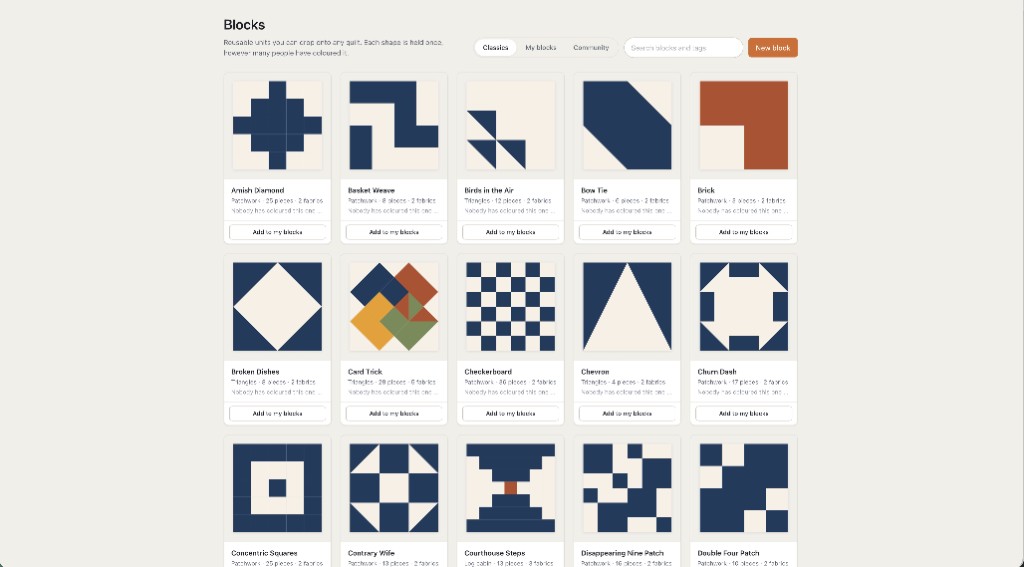
A first planning path in the studio
Pick a named small size or type lap inches. Stamp one block type, repeat it in a simple grid, photograph a background and a print, then read the fabric total. That loop is the whole first quilt planner — no wizard, no separate notebook app.
If the gift is a baby, switch to the baby designer page for crib language. If the goal is a throw on the couch, the throw designer page names 50×65 conventions. This first-quilt page stays size-agnostic on purpose: the habit is small, simple, saved.
Craft lives off-screen in how-to-make-a-quilt. The studio will not sew a quarter-inch seam; it will stop the throw from becoming a twin when you add a border the night before the party.
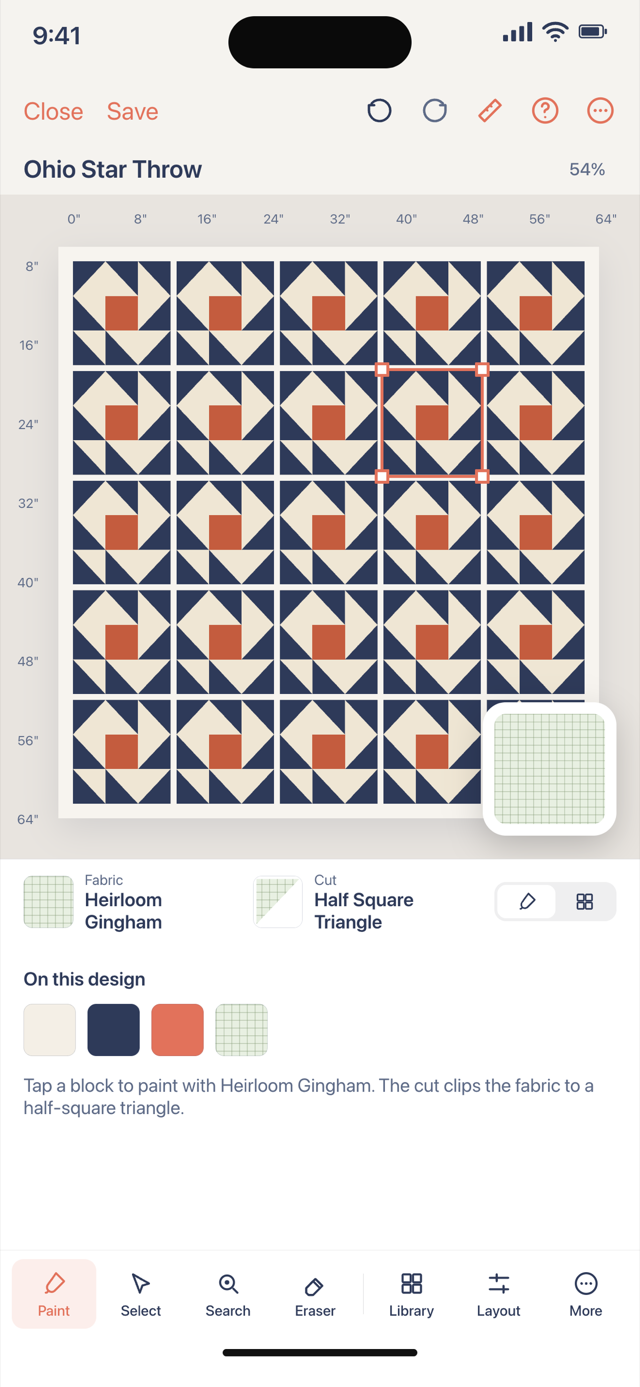
First quilt on the free tier
Design, blocks, layout tweaks, fabric photos, finished size and a fabric total: free with no card. Two fabrics as photographs and one saved quilt is the library gate — honest for a two-print first top. Unlimited saves and printable packs are subscription; confirm prices at checkout.
Beginners software page is the first hour in the program. This page is the first quilt you intend to finish. You can read both; you only need one open tab in the studio.
If the deadline is real, fewer blocks beat more fabrics. The planner keeps yardage honest when you simplify — simplify before you shop.