Quilt color palette planner is the step before you buy the third teal: which colours do which jobs on this top. Quiltler does that in the studio with photographed cloth and solids. This page is roles plus fabric photos. For the theory vocabulary, read quilt color theory. For a decision walkthrough without jargon, see how to choose quilt colors. Recolouring an existing layout is also quilt coloring software — same studio, different starting question.
On this page
What a palette plan actually assigns
- Roles on blocks, not swatches in a row. Background fills sashing; accent hits block centers; neutrals calm busy prints. The planner maps roles onto the layout you will sew.
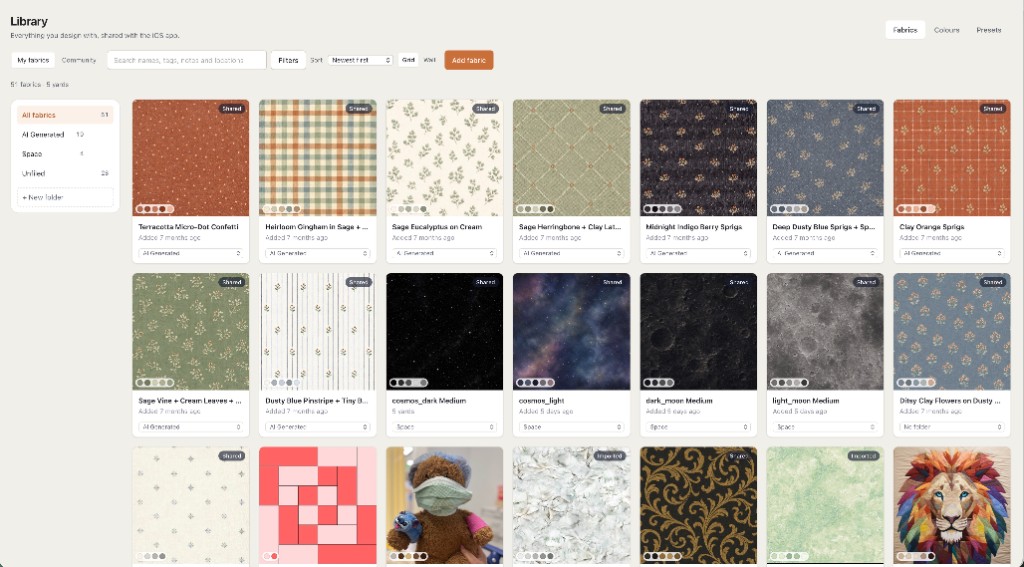
- Photographs of real cloth. Drop bolt photos onto roles. Free keeps two fabrics as photos plus unlimited solid colours — enough for background plus hero print.
- Contrast you can see at quilt scale. Small swatches lie; the canvas shows value across many repeats. Change one role and the fabric total should follow.
- Size stays in the conversation. Palette work is not separate from inches. A dark border on a lap quilt reads differently than on a king — finished size stays on screen.
- Pieced blocks with sharp colour jumps. When a block needs paper, foundation paper piecing sheets can ship in the pack. Palette planning still happens on the cloth roles before you print papers.
How palette planning moves in the studio
Start from a layout size that matches the bed or gift. Stamp or place blocks, then assign roles rather than colouring random squares. Swap a photographed background for a solid and watch whether the accent still reads — that audition is the palette planner.
Color theory articles explain complementary and analogous relationships in words. This page assumes you want those relationships on your prints. Take one background photo and one focus photo on free; use solids to stand in for scraps until you subscribe to a larger photo library.
When the palette settles, the same design feeds yardage. You do not export colours to a separate planner app. One saved quilt on free means save the palette you would cut; closing the tab loses an unsaved audition.
Palette work on the free tier
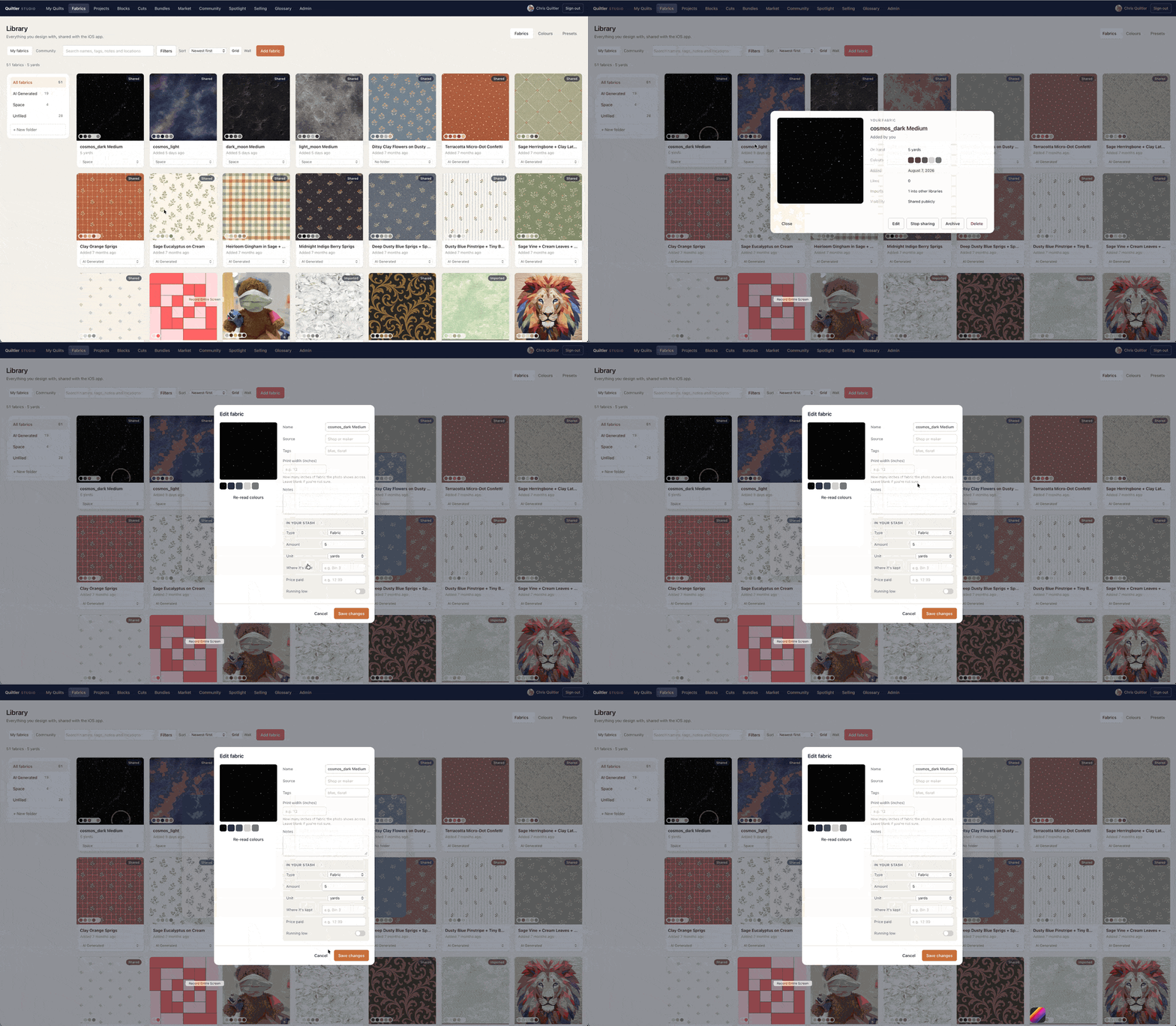
Any layout, role changes, fabric photos, finished size and a fabric total run free with no card. Two fabrics as photographs is the honest gate — not unlimited stash photos on free. Per-fabric yardage, backing, binding and printable packs are subscription. Free quilt design software states the same allowance without repeating this palette list.
If you only wanted to recolour a picture without sewing intent, coloring software is the name for that search. If you wanted scrappy many-print chaos, the scrappy planner names stash layouts. Palette planner sits in the middle: structured roles, real cloth.
Open the studio, set roles on a throw, swap the background photo. If the fabric total moves while the layout stays, you planned a palette, not a screensaver.