People search scrappy quilt planner when the quilt is supposed to look like the stash — fat quarters, orphan blocks, prints that never matched anything else. Quiltler is that job in the studio. This page is scrap layouts and photo fabrics. It is not patchwork designer, which is cuts and seams on one block. For colour roles across many prints, pair it with quilt color palette planner. The dedicated quilt fabric stash app path is how you photograph bolts and shelves without pretending each scrap is a manufacturer line.
On this page
What a scrappy plan actually contains
- Finished size first. Type throw inches or pick a name from the quilt sizes guide. Scrappy tops still need a bed or a lap target; otherwise the border eats the quilt while you audition prints.
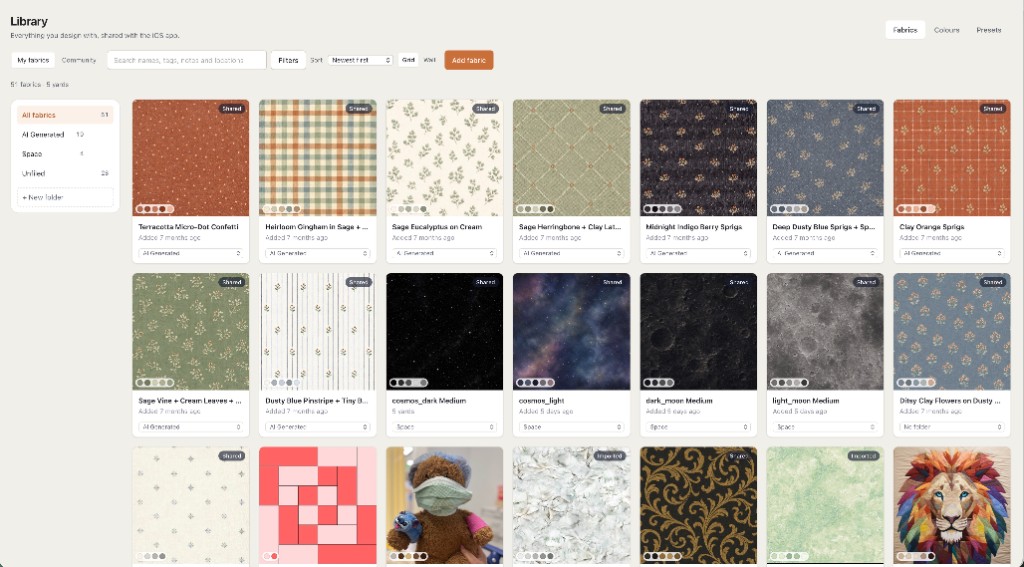
- Roles, not fifty unique SKUs. Background, accent, neutral, pop — assign photographed cloth to roles on the layout. Free keeps two fabrics as photos plus unlimited solid colours; a fuller stash library is the subscription.
- Layout that reads scrappy. Uneven nine-patches, log cabins with mixed rails, stamped classics with different fills per block. Quilt layout software is sashing and borders on that grid.
- Yardage from pieces. A fabric total while you design; per-fabric rows when you need a shop list. Counting assumes the pieces on screen, not a guess from quilt width.
- Paper when a block needs it. Some scrappy stars are easier as foundation paper piecing sheets. Quiltler does FPP; that page is the mirrored papers. You do not need FPP to plan a square rail quilt.
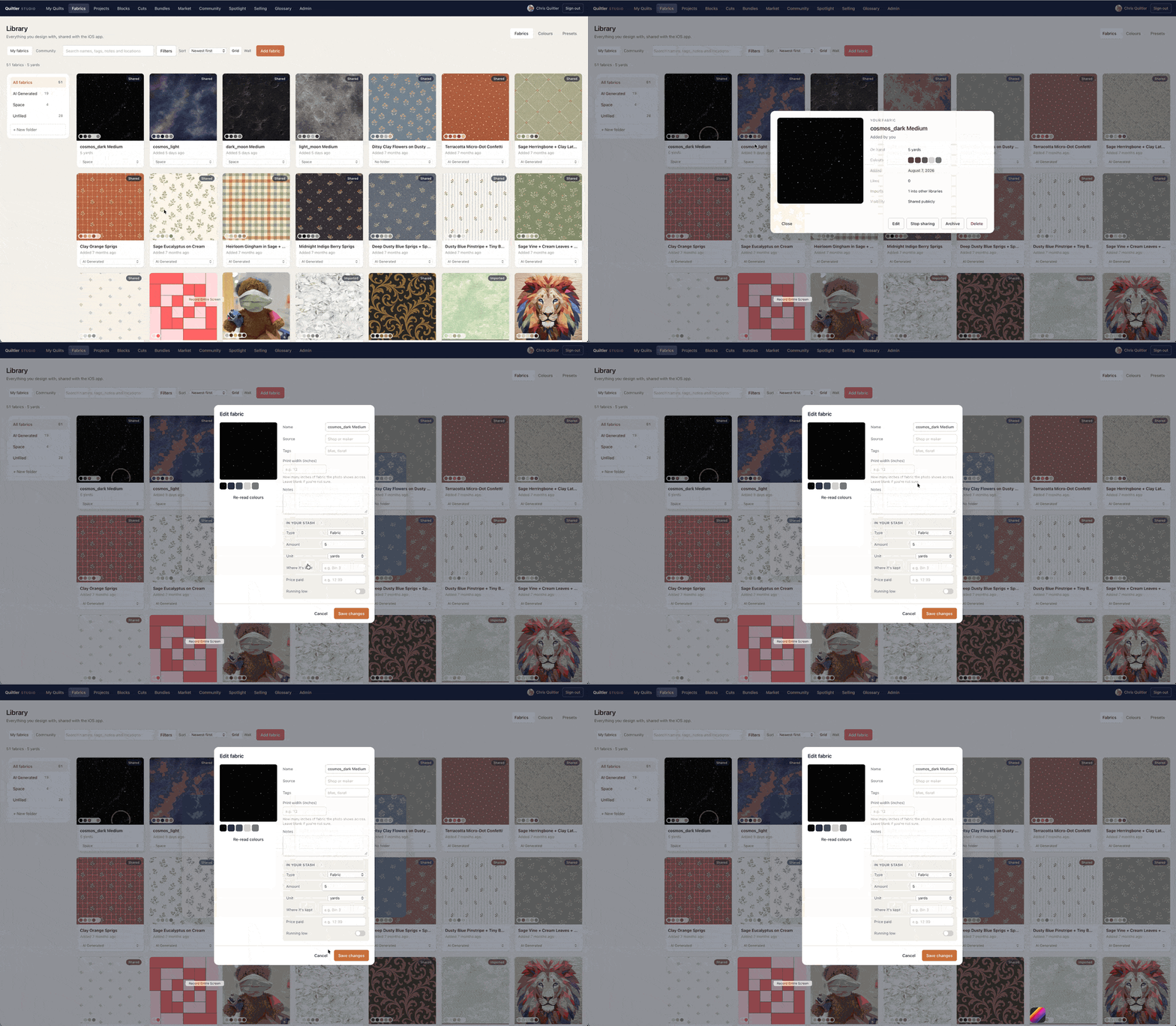
How a scrappy planning session moves
You set size, stamp or place blocks, then drop photos onto roles. Each swap should move the fabric total, because scrappy does not mean mystery yardage. If you are auditioning whether three blues can share one background, keep finished size visible so adding sashing does not turn a lap quilt into a twin.
Patchwork that is one repeating unit — flying geese rows, half-square triangles — lives on patchwork designer. The scrappy planner is the whole top: many prints, one layout, one save. Free accounts keep one saved quilt; close an unsaved tab and the audition is gone. Save the layout you would actually cut.
When a block is too fiddly for rotary shortcuts, open the pack path for foundation paper piecing templates. That is optional geometry, not a requirement for every scrap quilt. Simple squares and rails are still the fastest way to empty a bin.
Free tier, honestly
Any size, blocks, layout changes, finished size and a fabric total run on the free canvas with no card. One saved quilt and two fabrics as photographs is the free library gate — often enough to plan a two-print background with scrappy accents painted as solids. Unlimited photo stash, per-fabric yardage, backing, binding and printable packs are subscription. Confirm prices at checkout; terms are the legal copy.
If the search was stash-only, the fabric stash app page is the photograph workflow. If the search was colour harmony across prints, start at the color palette planner. Both use the same studio; the pages name different questions.
Scrappy fails when every block wants a hero print. Pick one background role and let the rest vary — the planner keeps yardage honest while you break that rule on one block.